

Trickster 4 Press Kit
Your recent files and links, one click away in your Mac’s menu bar. Here’s everything you need to cover Trickster 4: facts, testimonials to share, and high-resolution images.
Fact sheet
- Product
- Trickster 4 (Trickster: Recent Files and Links)
- Developer
- Apparent Software Inc., Winnipeg, Canada
- Platform
- Mac, macOS Tahoe (26) or later
- Pricing
- Regular price $29.99 (USD), a one-time purchase that unlocks the full version. Free download with a 14-day trial. No subscription.
- Existing owners
- Free update on every channel
- Language
- English
- First released
- 2012
- Available from
- tricksterapp.com, the Mac App Store and Setapp
- Website
- tricksterapp.com
- Press contact
- support@apparentsoft.com
About Trickster
In one sentence
Trickster is a Mac menu bar app that keeps the files, folders, apps and web links you just used one click away.
Short description
Trickster 4 puts your recent files and web links in one list in your Mac’s menu bar. Save pages from Safari, Chrome or Firefox, filter by project, and drag any item straight into email, chat or an upload form without opening Finder. Your files and links stay on your Mac.
Long description
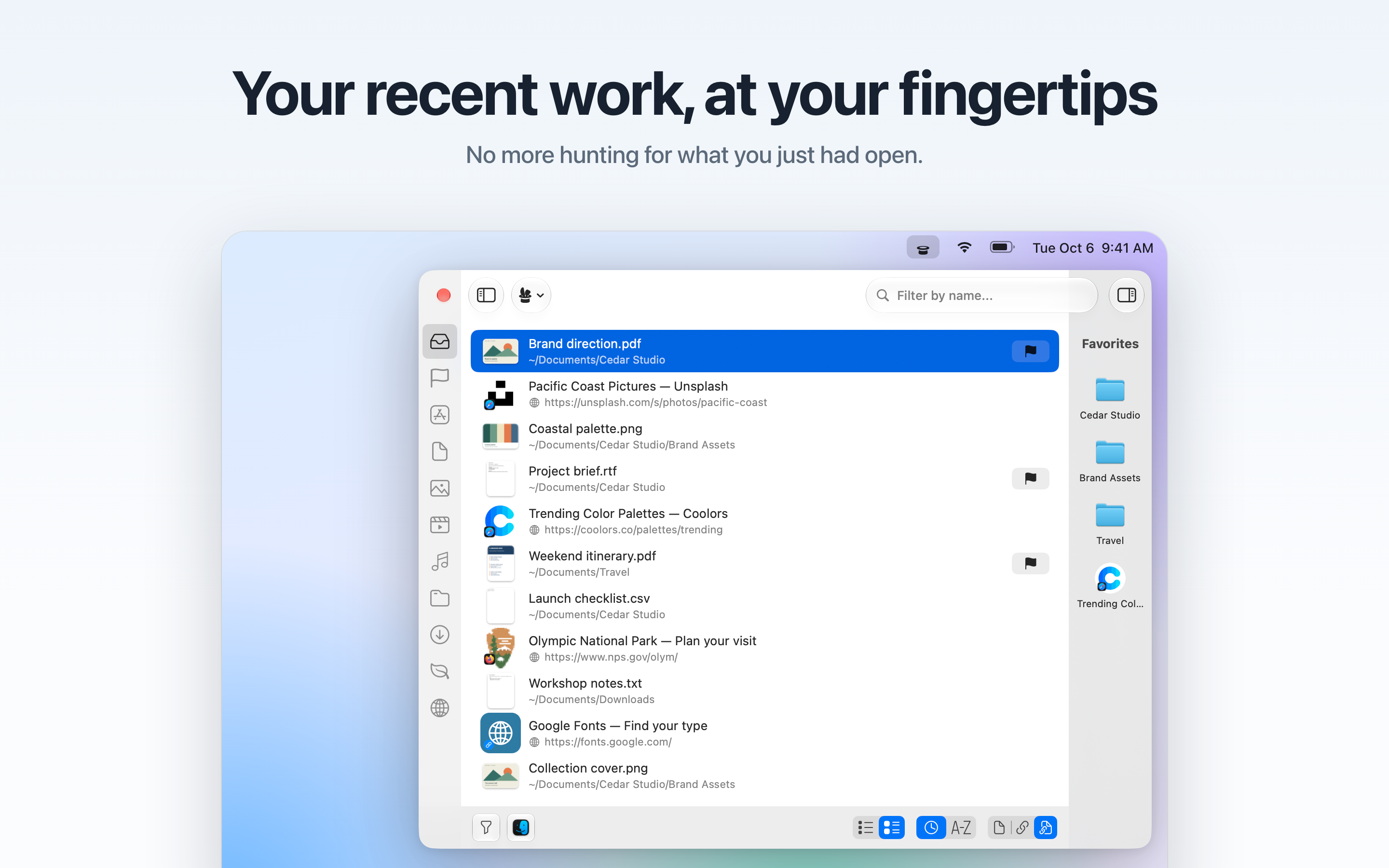
Trickster watches the folders you choose and lists the files you created, saved or downloaded most recently, along with the apps and folders you just used. The document you saved a minute ago, the PDF you downloaded, the spreadsheet you closed by mistake: they’re at the top of the list, one click or one keyboard shortcut away.
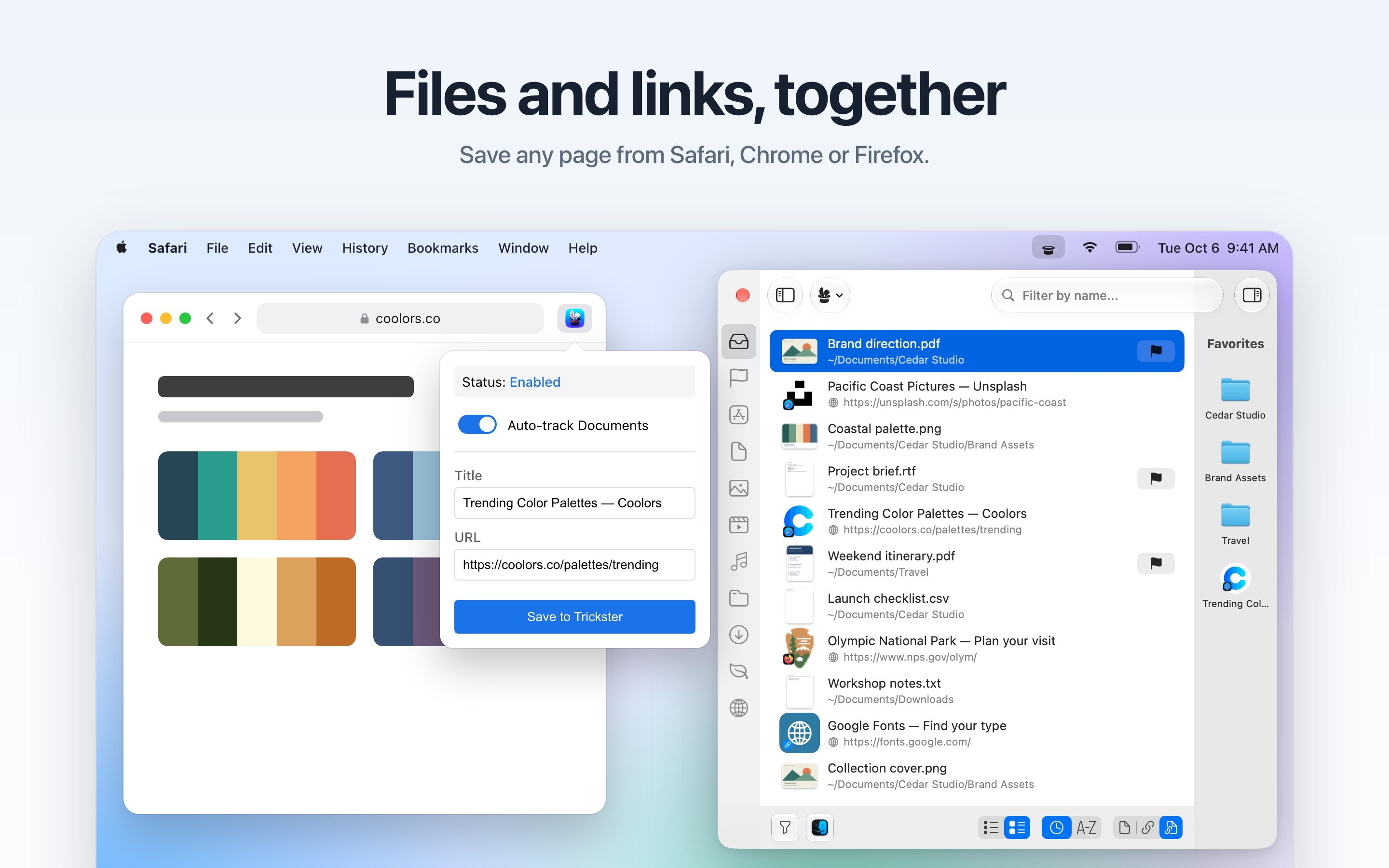
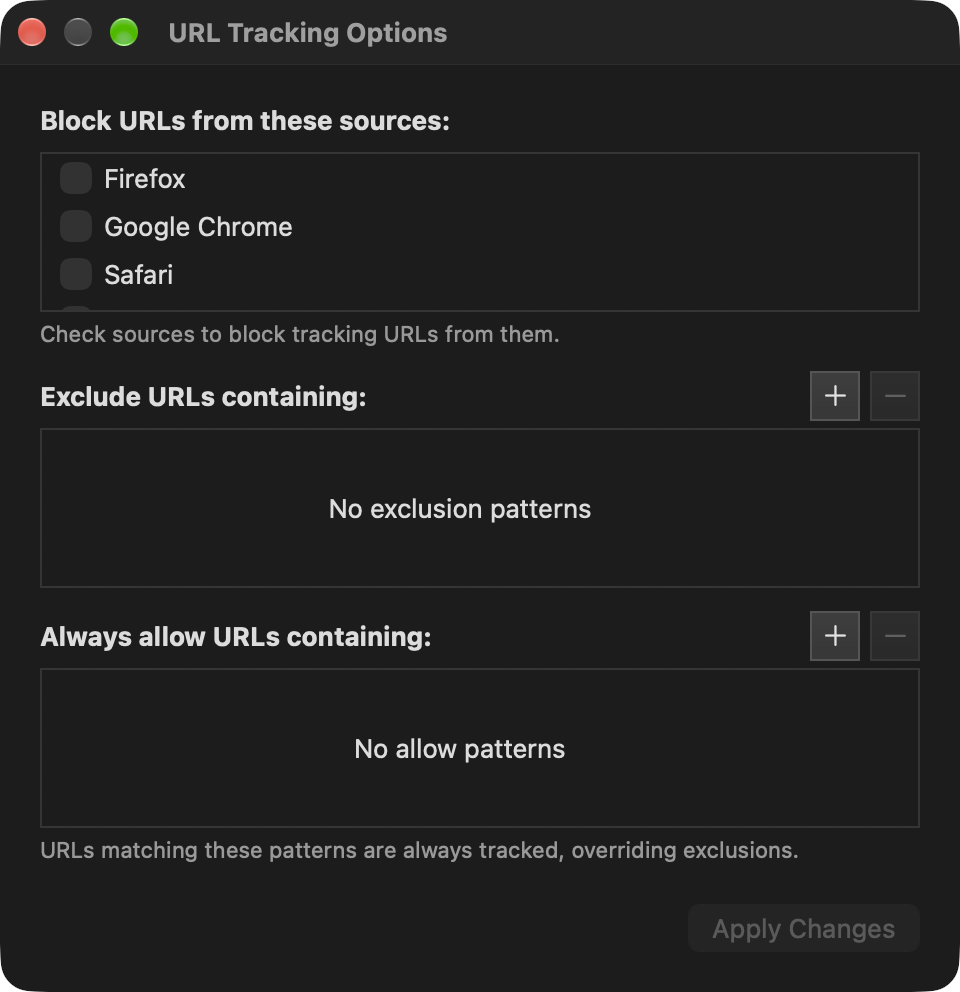
More work now happens in a browser, so Trickster 4 adds web links to the same list. The Save to Trickster extension for Safari, Chrome and Firefox sends a page over with one click. With Auto-track Documents turned on, Google Docs, Sheets and Slides, supported Microsoft online documents and Atlassian pages arrive on their own. Trickster remembers which browser each link came from and opens it there again.
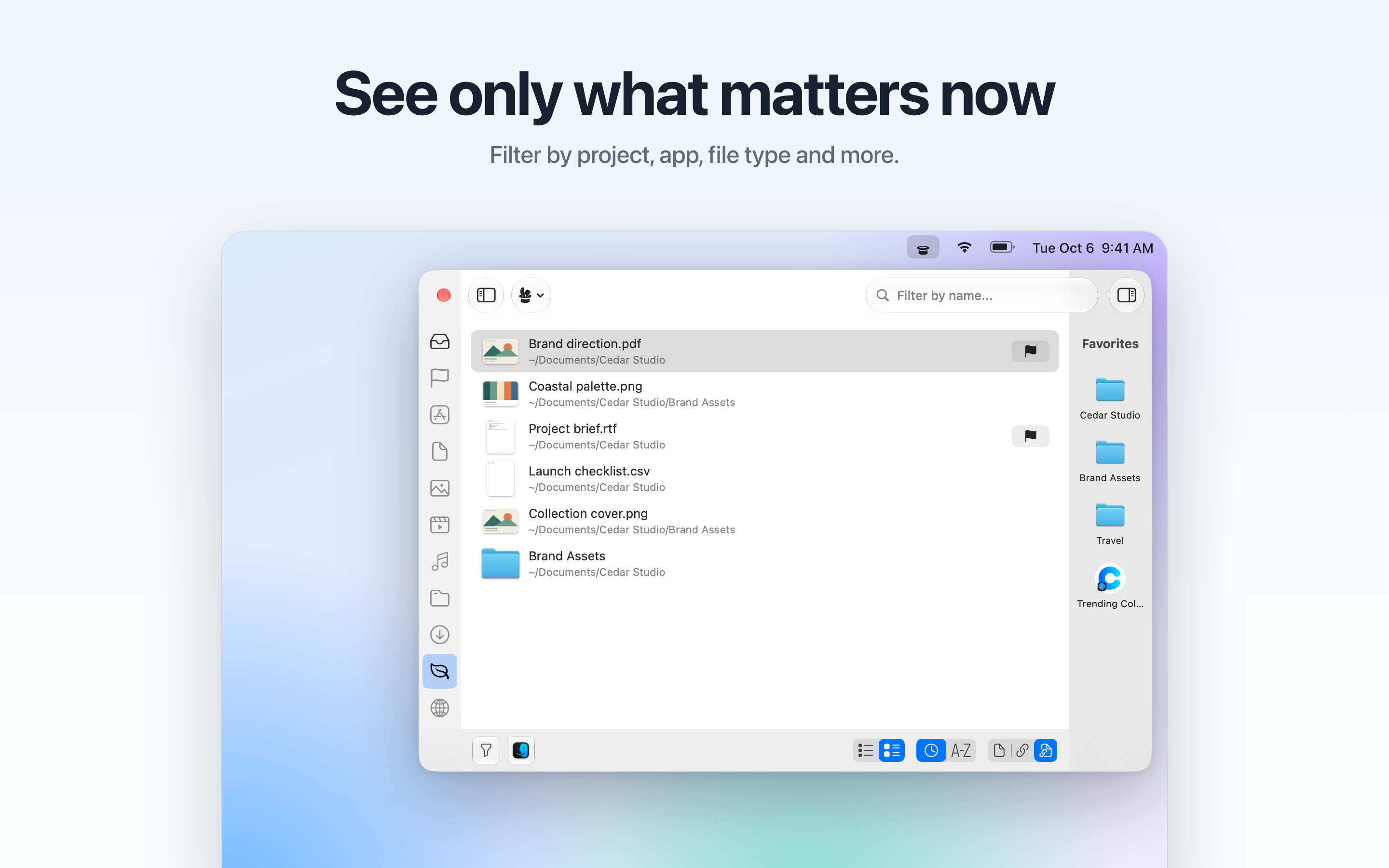
Custom filters gather a project’s files and links together, each with an SF Symbol, emoji or image icon. Items can be flagged, pinned to the Favorites sidebar, previewed with Quick Look, and dragged into any app like they would be from Finder. Trickster also works alongside Alfred, LaunchBar, DEVONthink, Hookmark and AppleScript.
There’s no account to create. Trickster’s list is stored on the Mac, and the browser extensions send links straight to the app rather than through a server.
What’s new in Trickster 4
- Files and links in one list. Web links appear next to recent documents and downloads, with the page title and site icon. Switch between files, links or both with one click.
- Browser extensions. Save to Trickster for Safari, Chrome and Firefox, with optional Auto-track Documents for cloud documents.
- Filters that follow your projects. A custom filter can include files, links or both, matched by folder, title, address or source app.
- Custom filter icons. Pick an SF Symbol, an emoji or your own image for each filter.
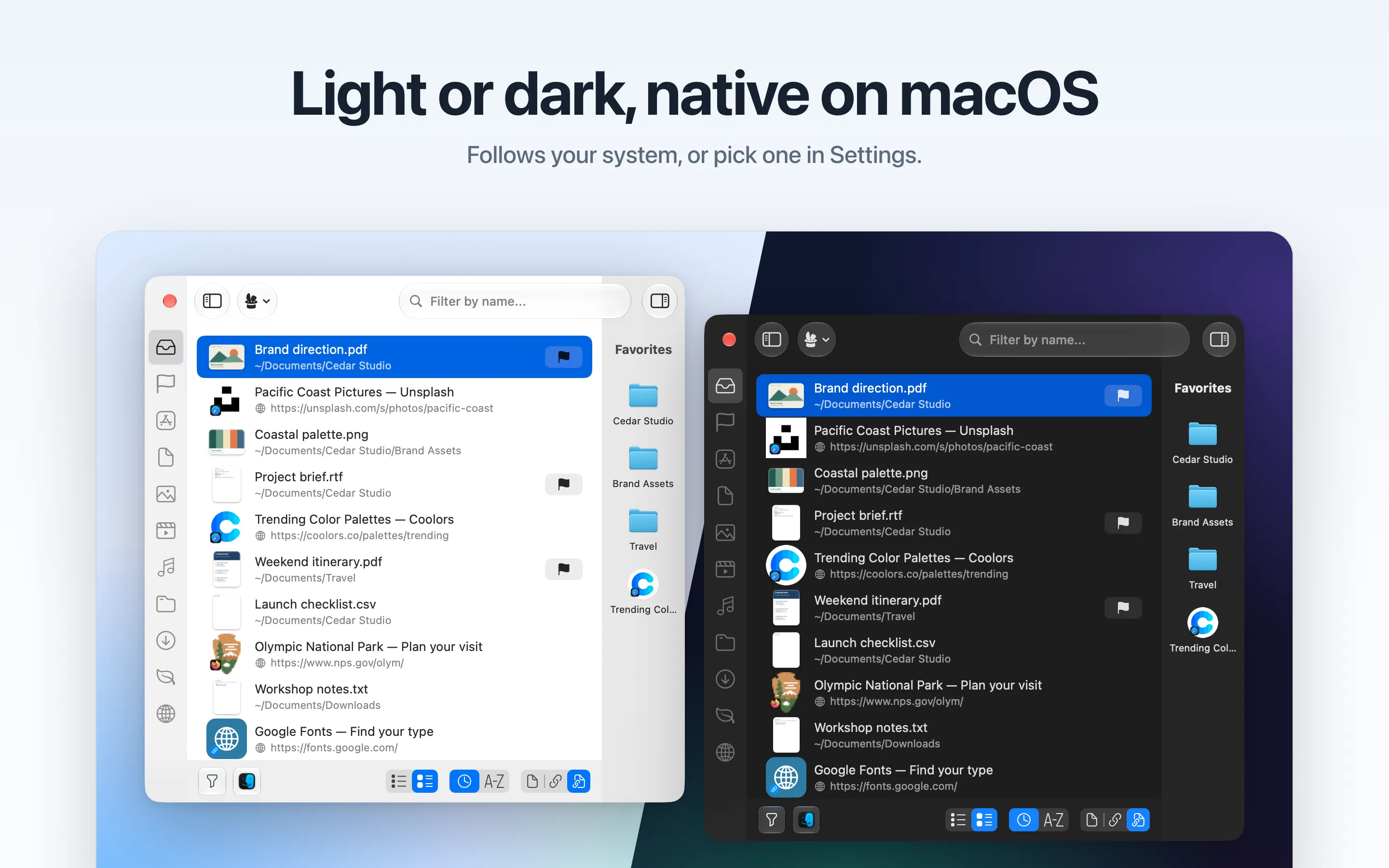
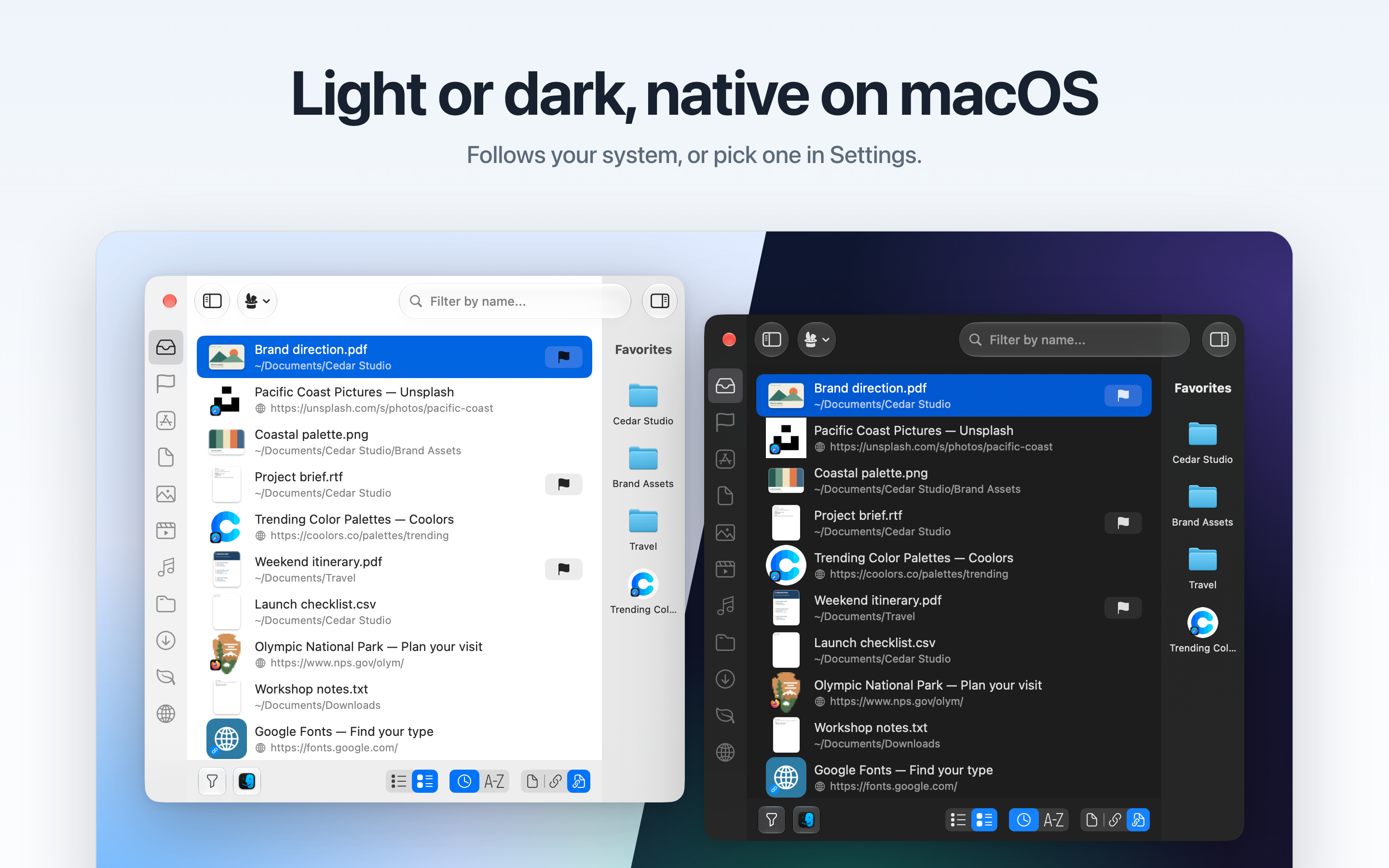
- Redesigned with Liquid Glass. A new main window and settings, in light and dark appearance.
- A welcome window. New users choose the folders to watch the first time they open Trickster.
Core features
- Recent files, folders, apps and downloads from the menu bar
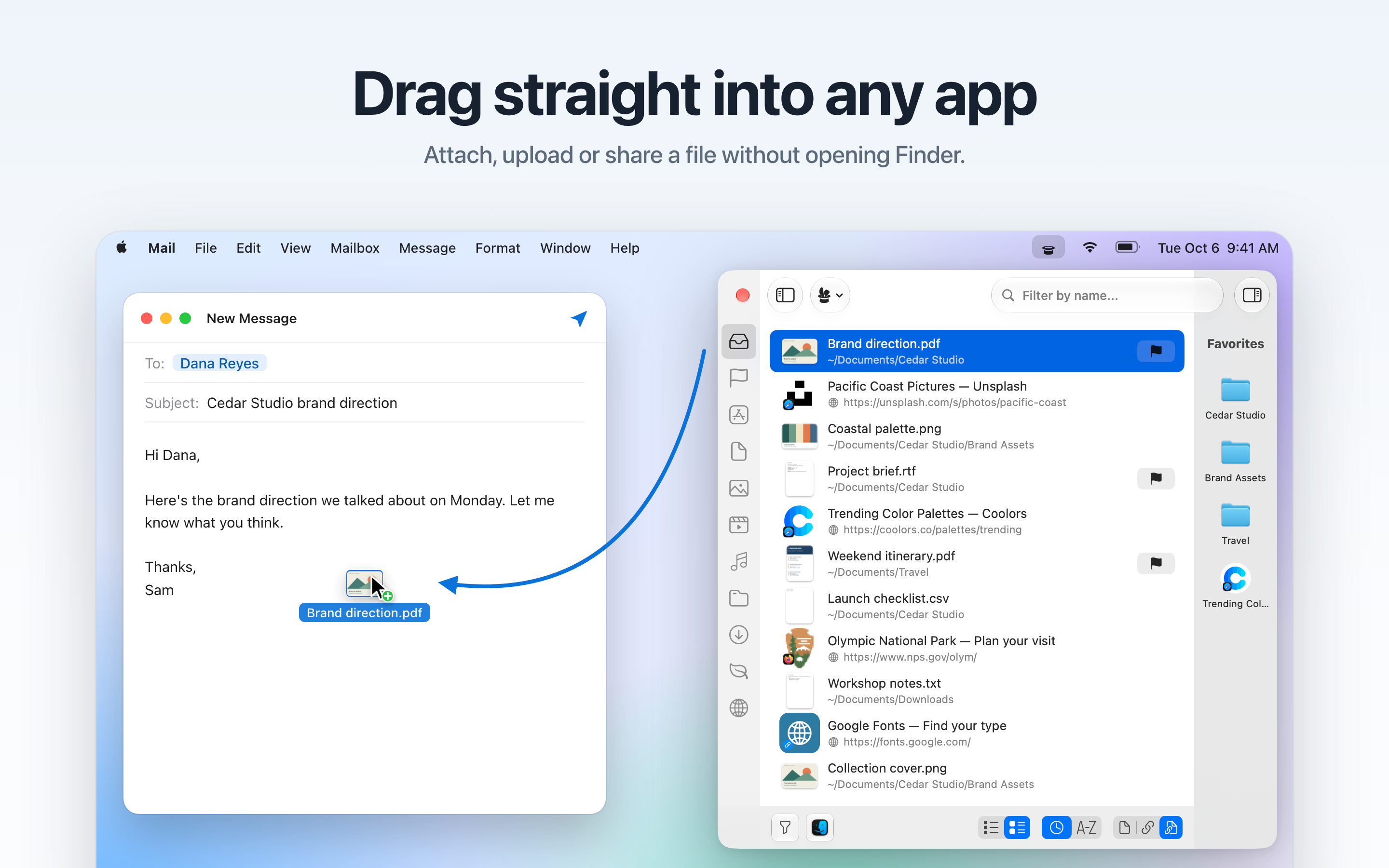
- Drag any item into Mail, Slack, Figma or an upload form
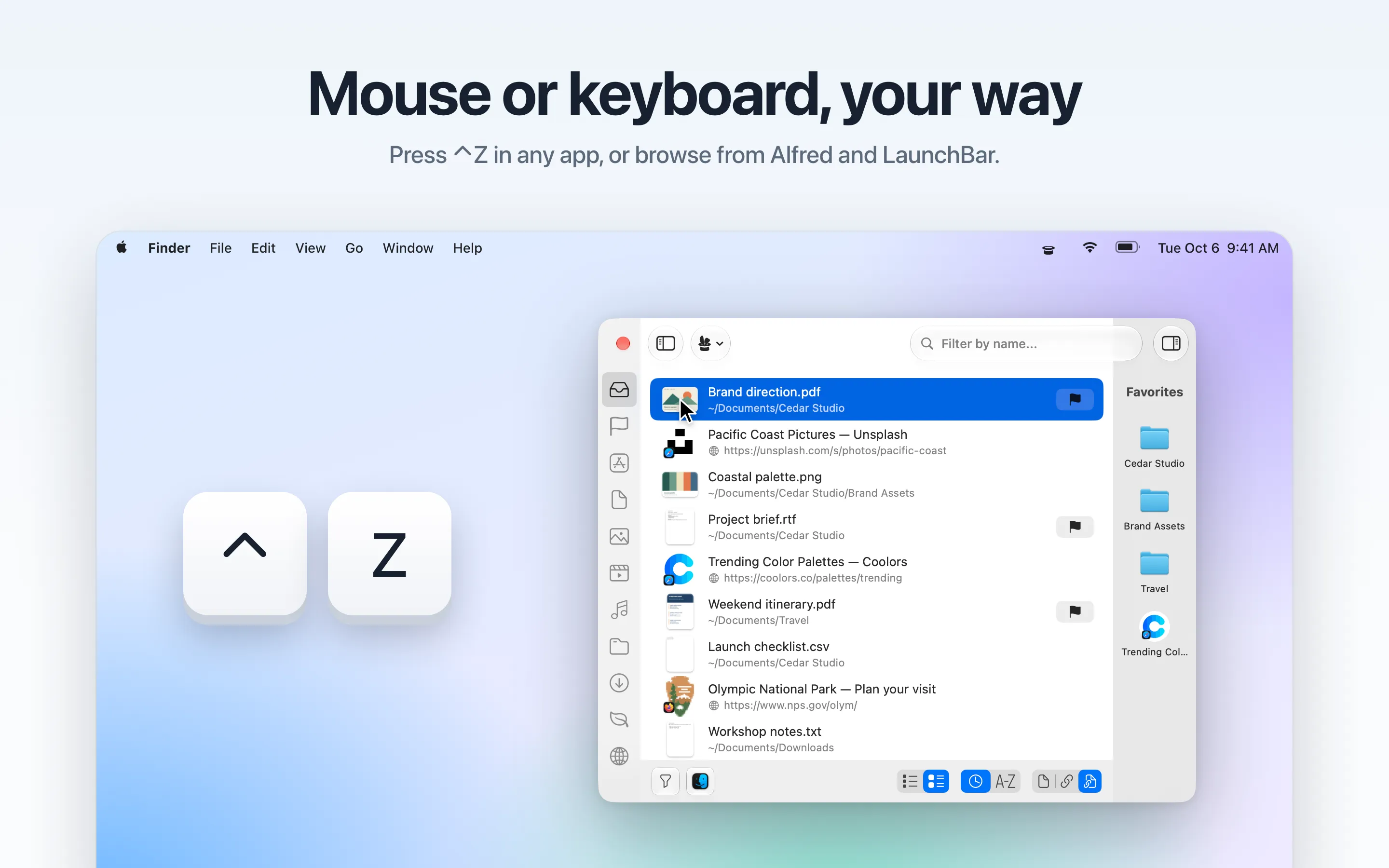
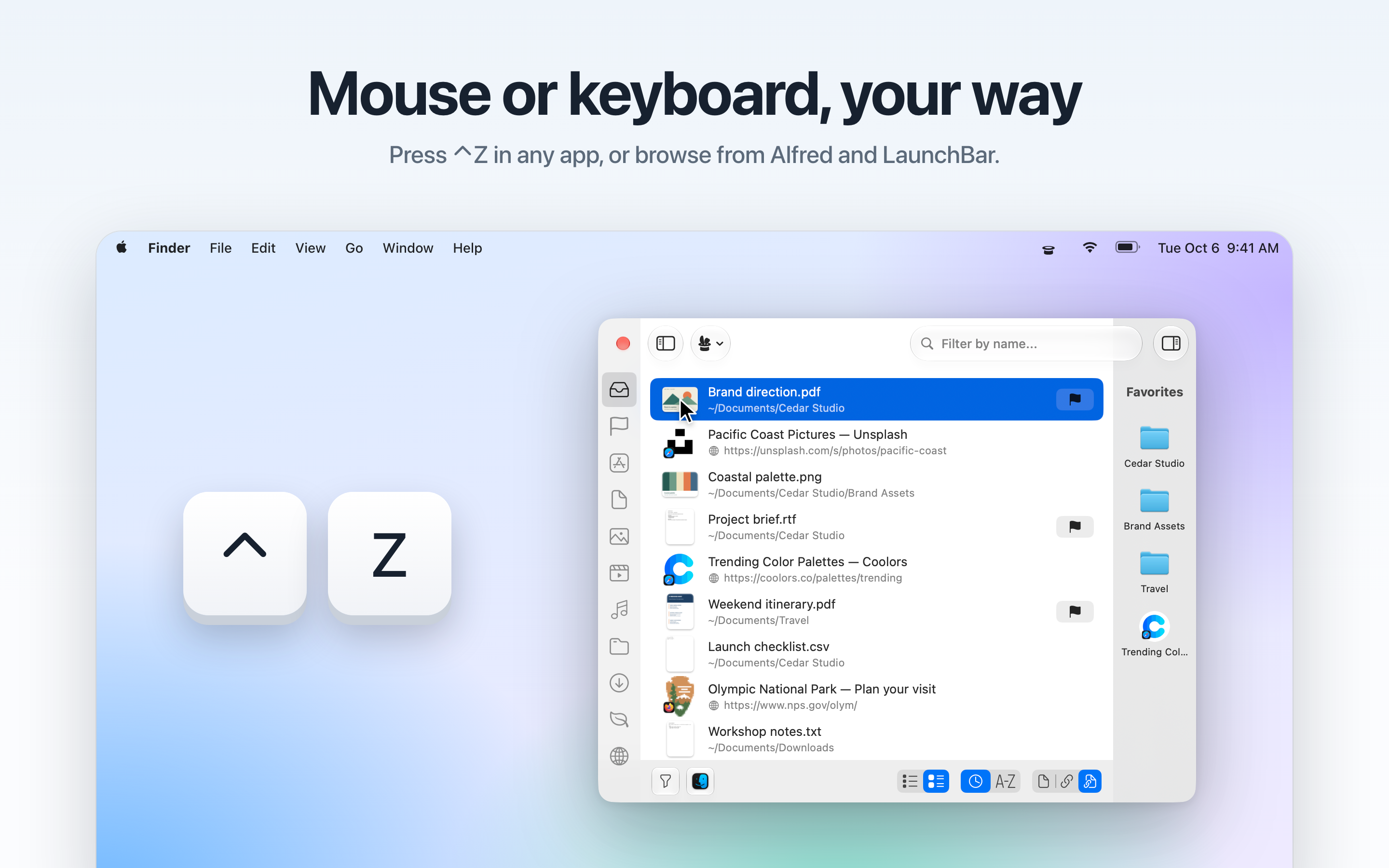
- Global shortcut, type-to-filter and keyboard navigation
- Favorites sidebar and flags for items you come back to
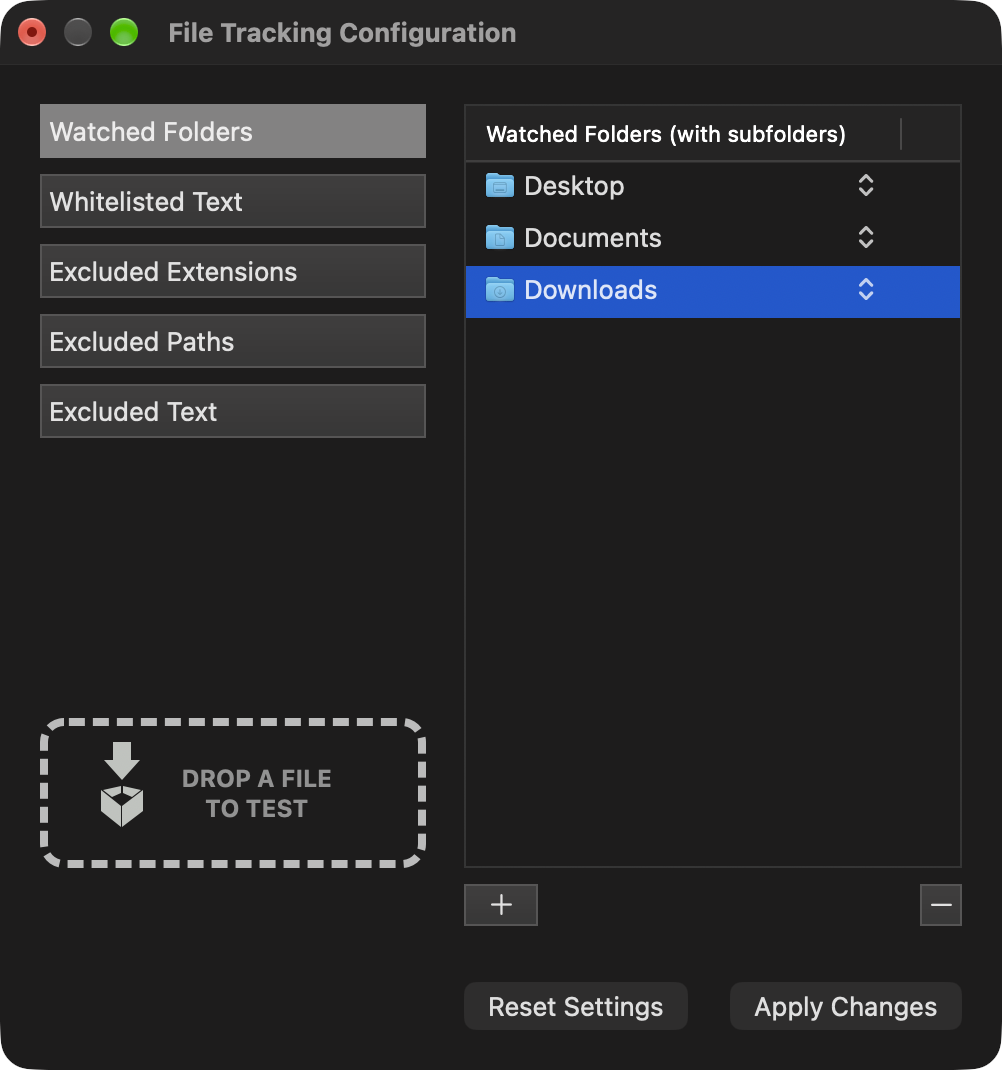
- Choose which folders are watched and what’s left out
- Works with Alfred, LaunchBar, DEVONthink, Hookmark and AppleScript
Screenshots
Click a screenshot for the full-resolution PNG. Everything here is also in the press kit download, and you’re welcome to use it in coverage of Trickster.
App Store screenshots
2880 × 1800, with headlines. Good for galleries and social posts.
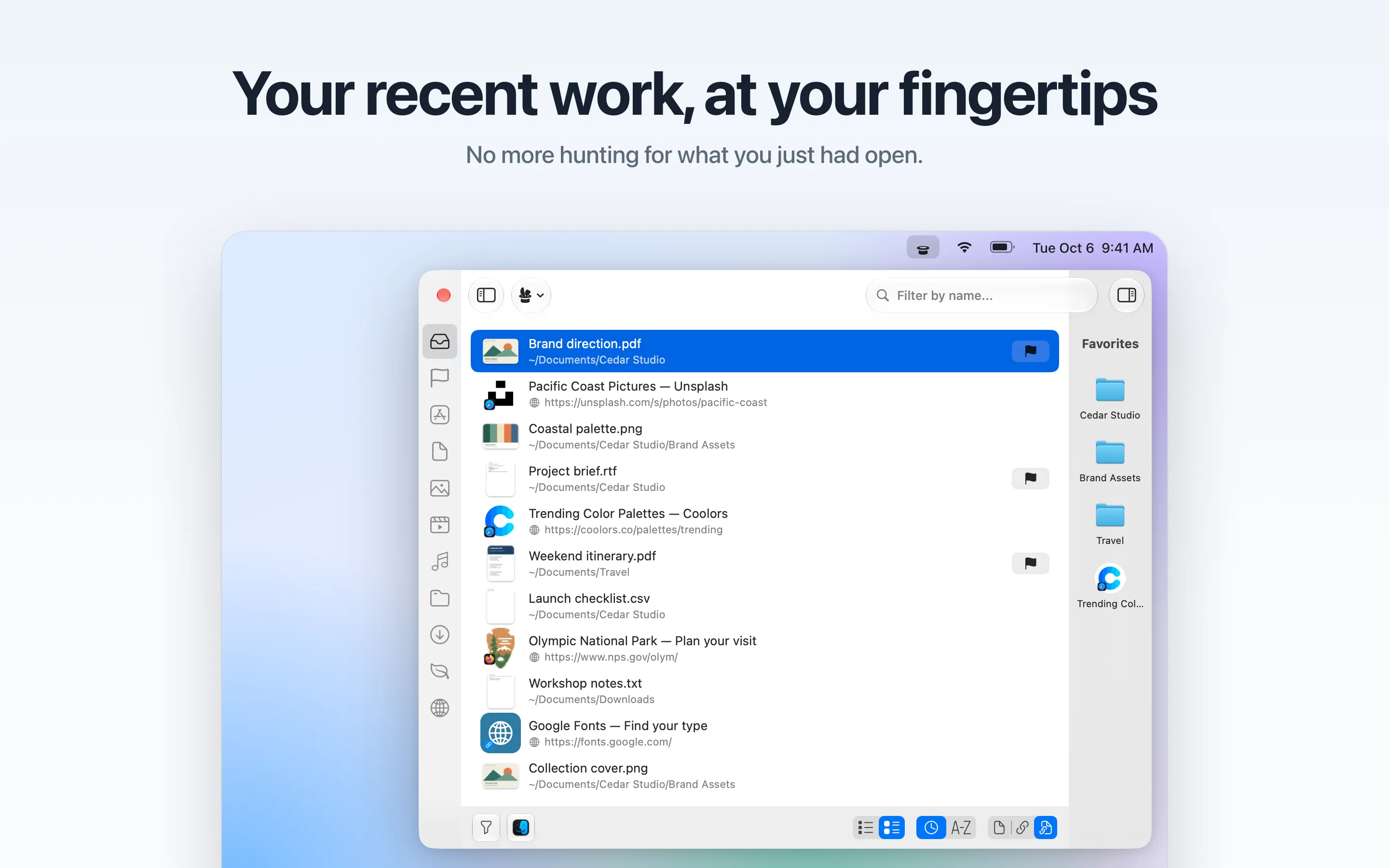
Your recent files and links at your fingertips
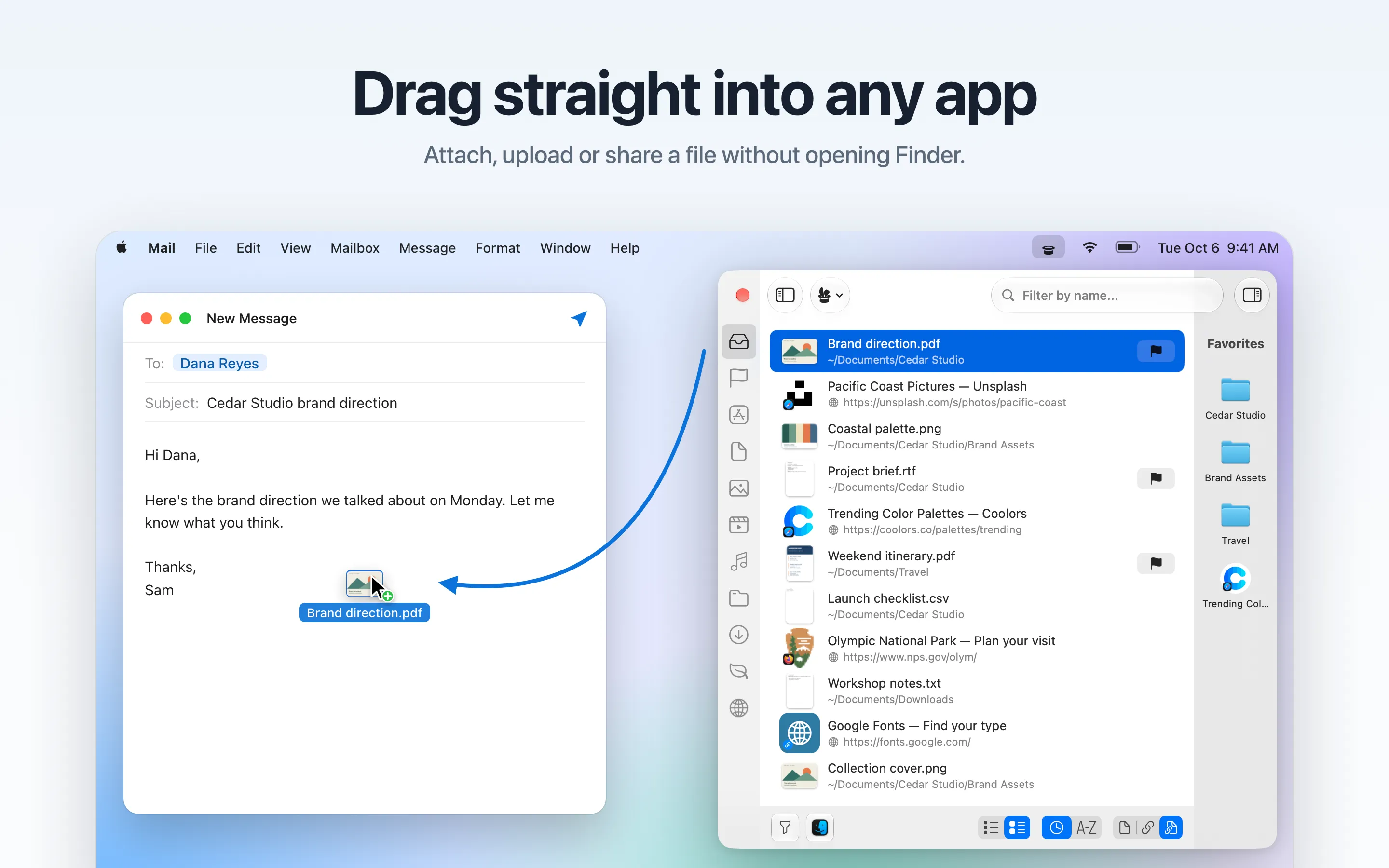
Drag straight into any app
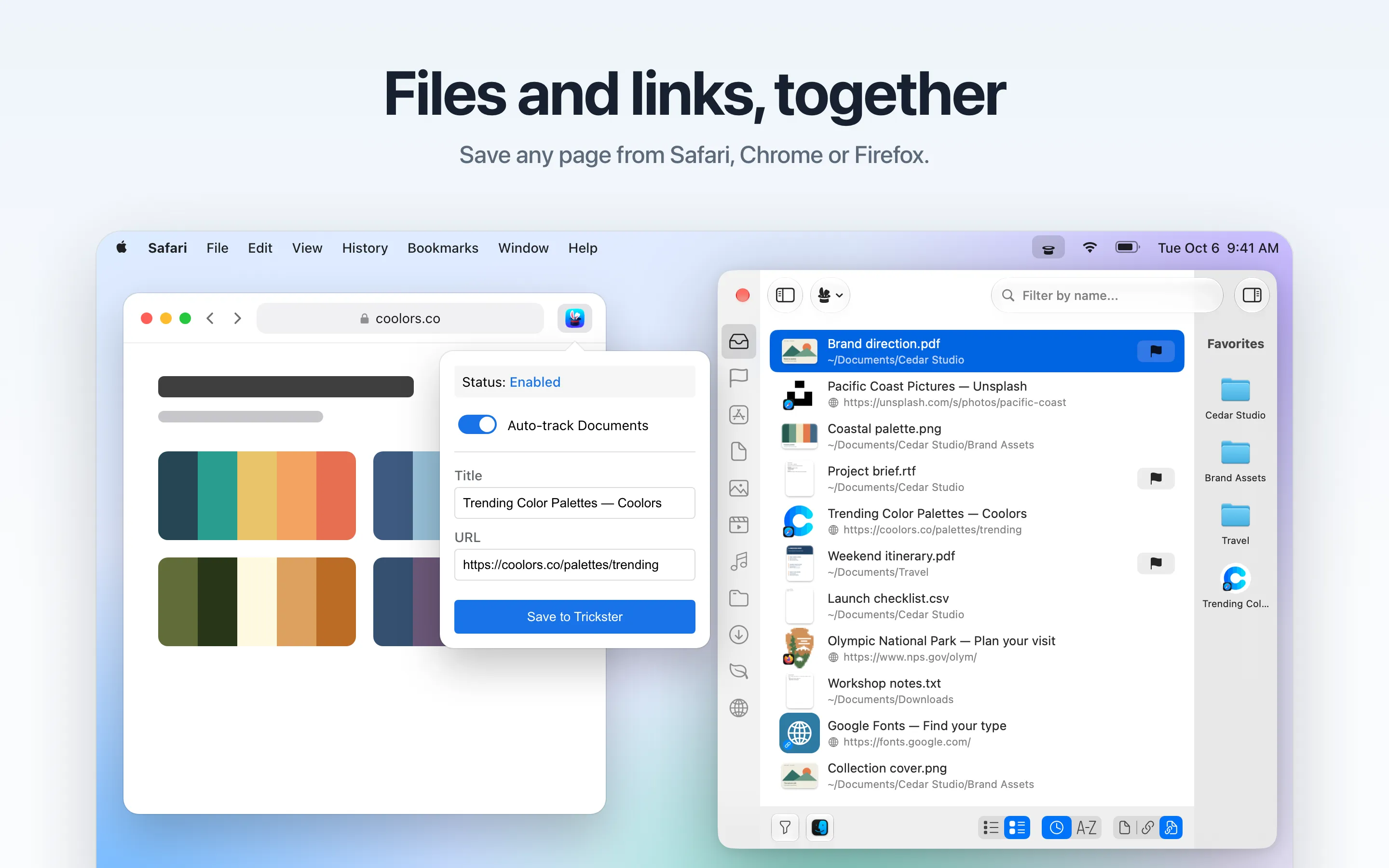
Files and links, together
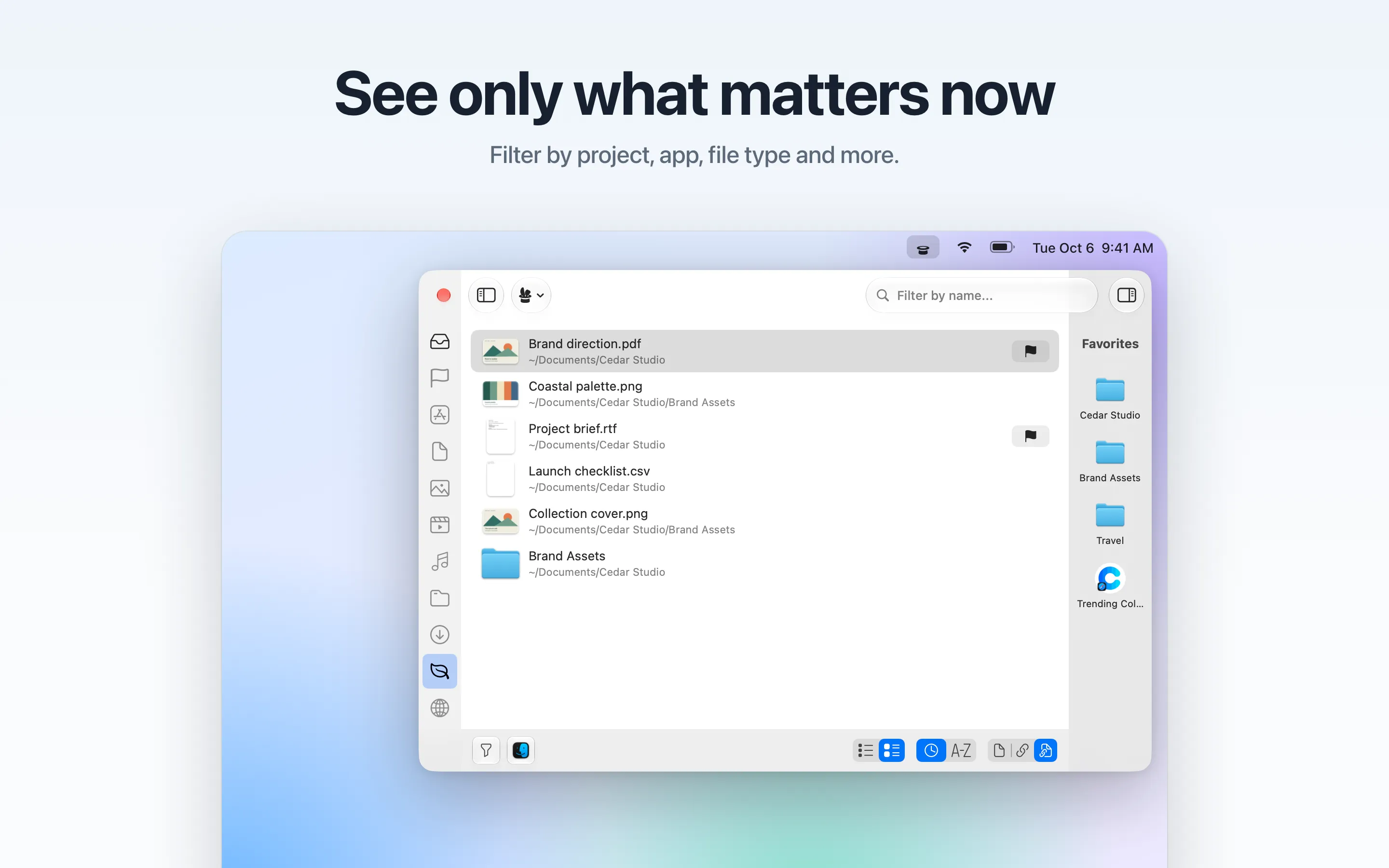
See only what matters now
Mouse or keyboard, your way
Light or dark, native on macOS
Window screenshots
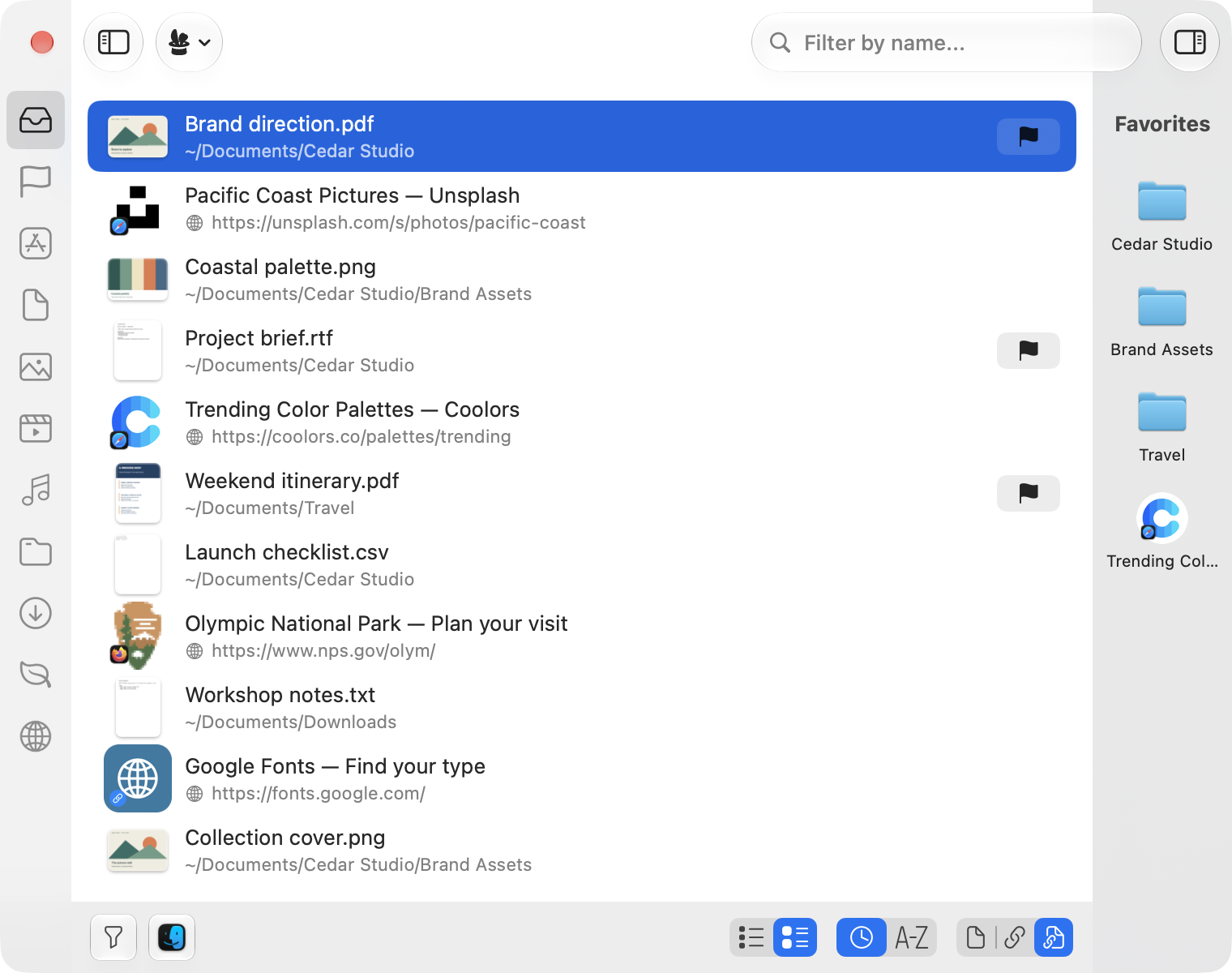
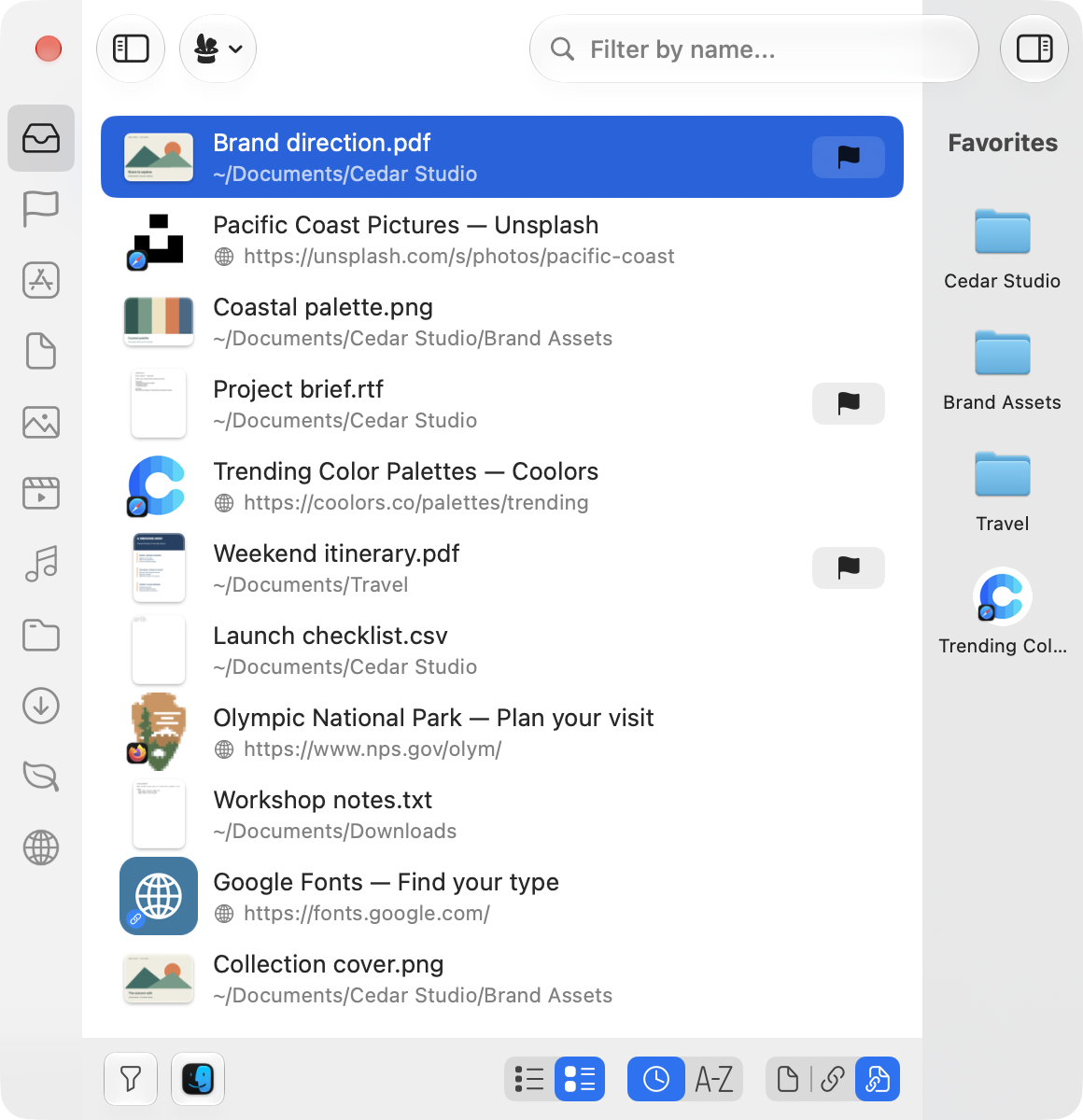
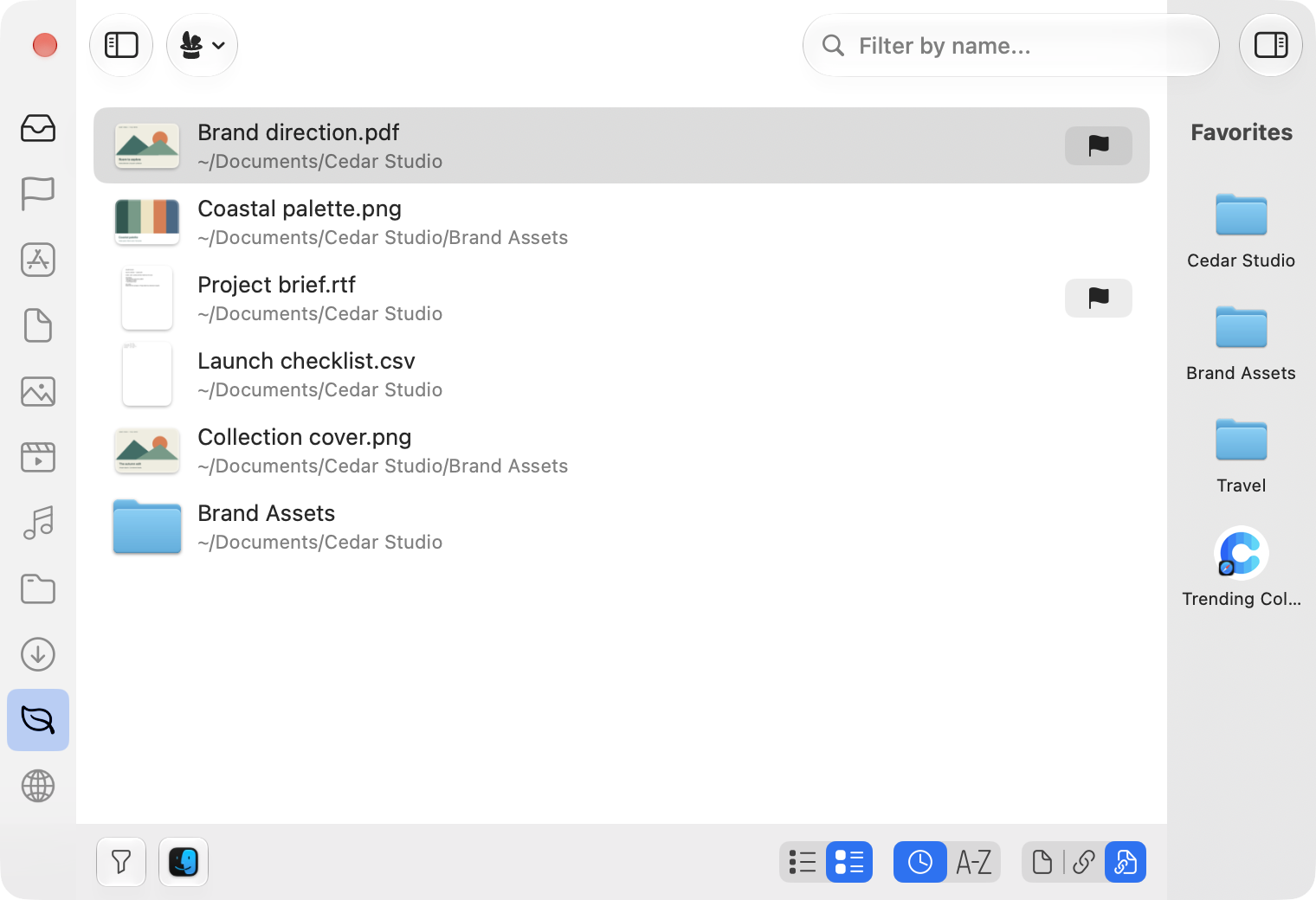
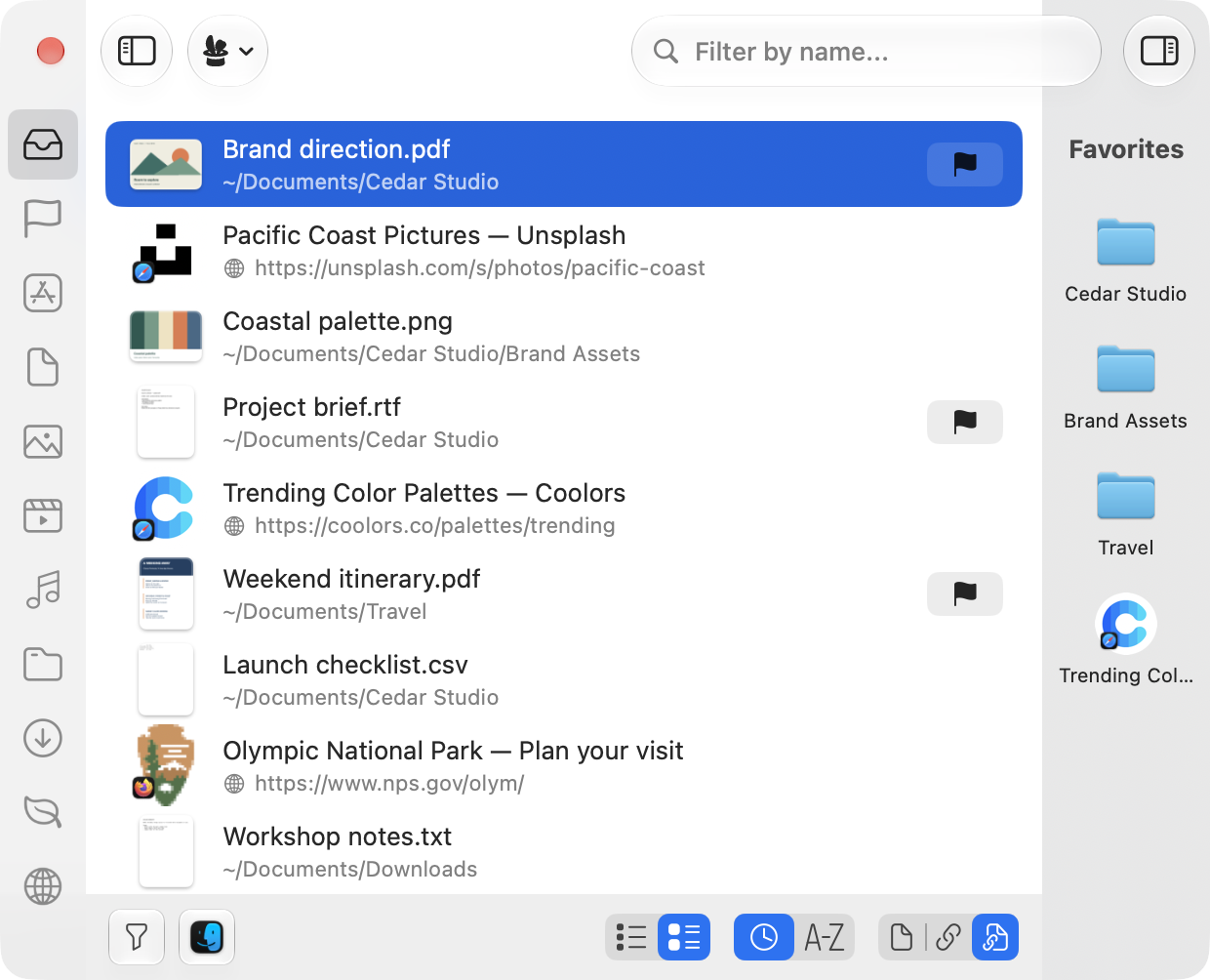
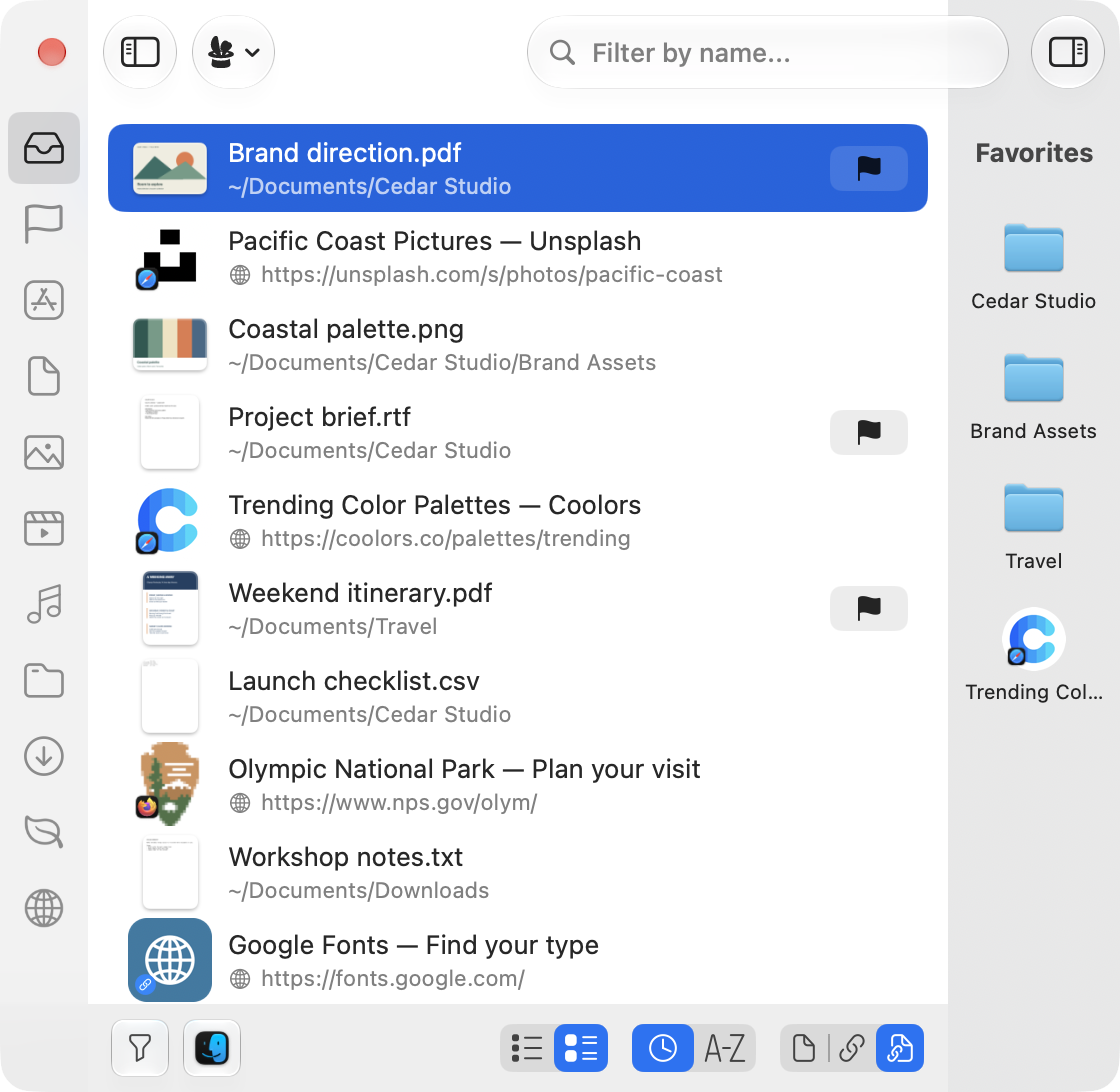
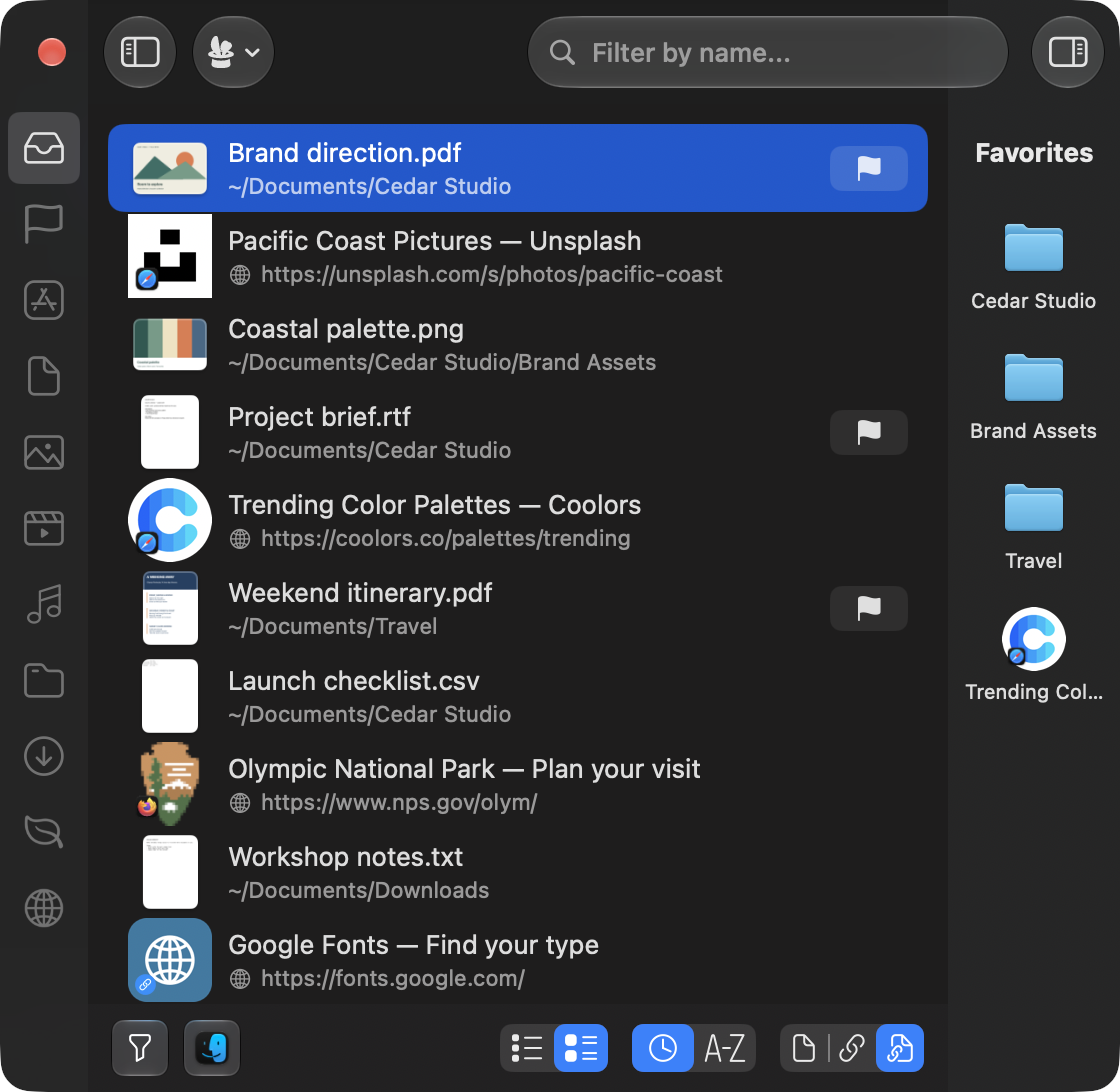
The app window alone at Retina resolution, on a transparent background, for your own layouts.
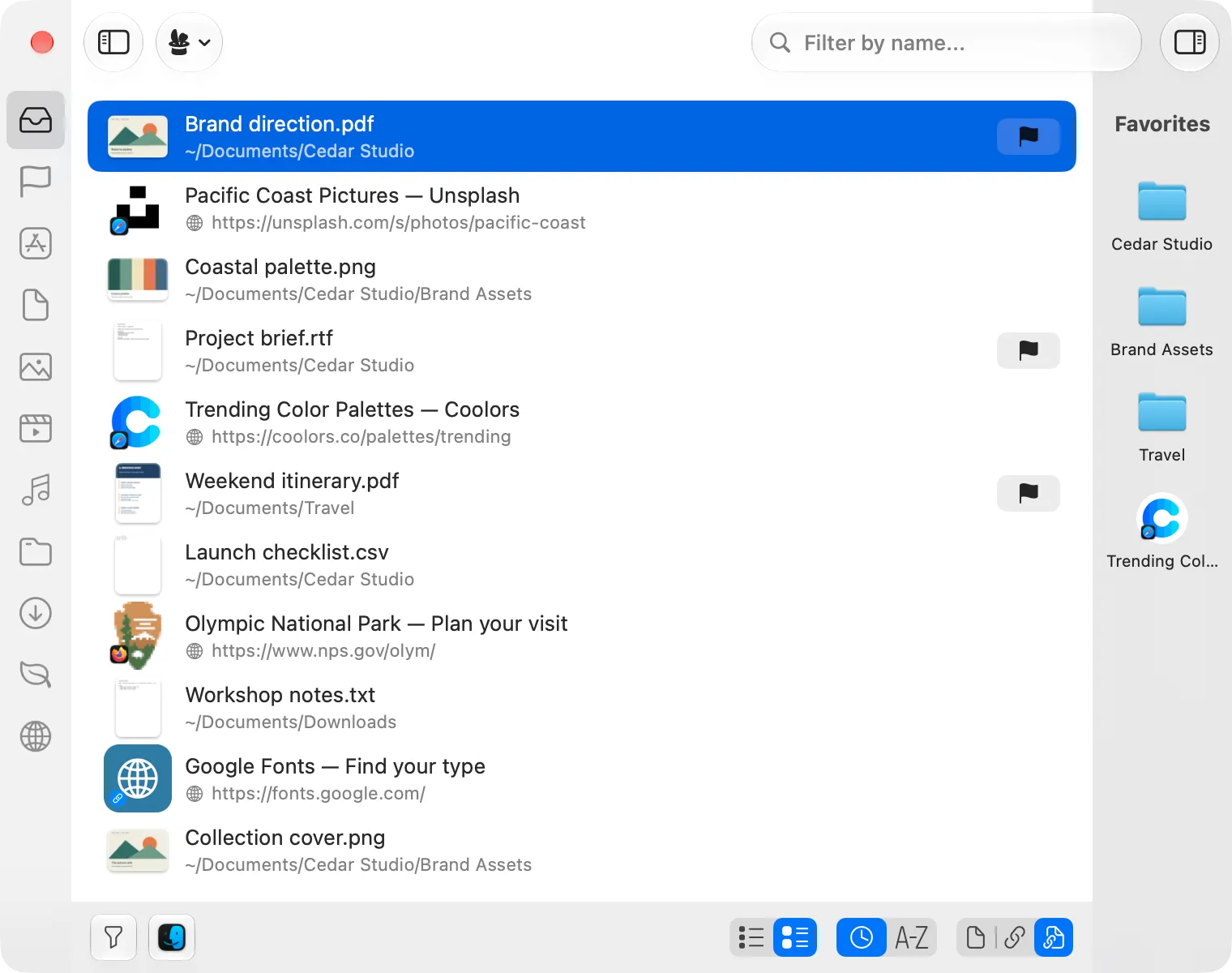
Main window
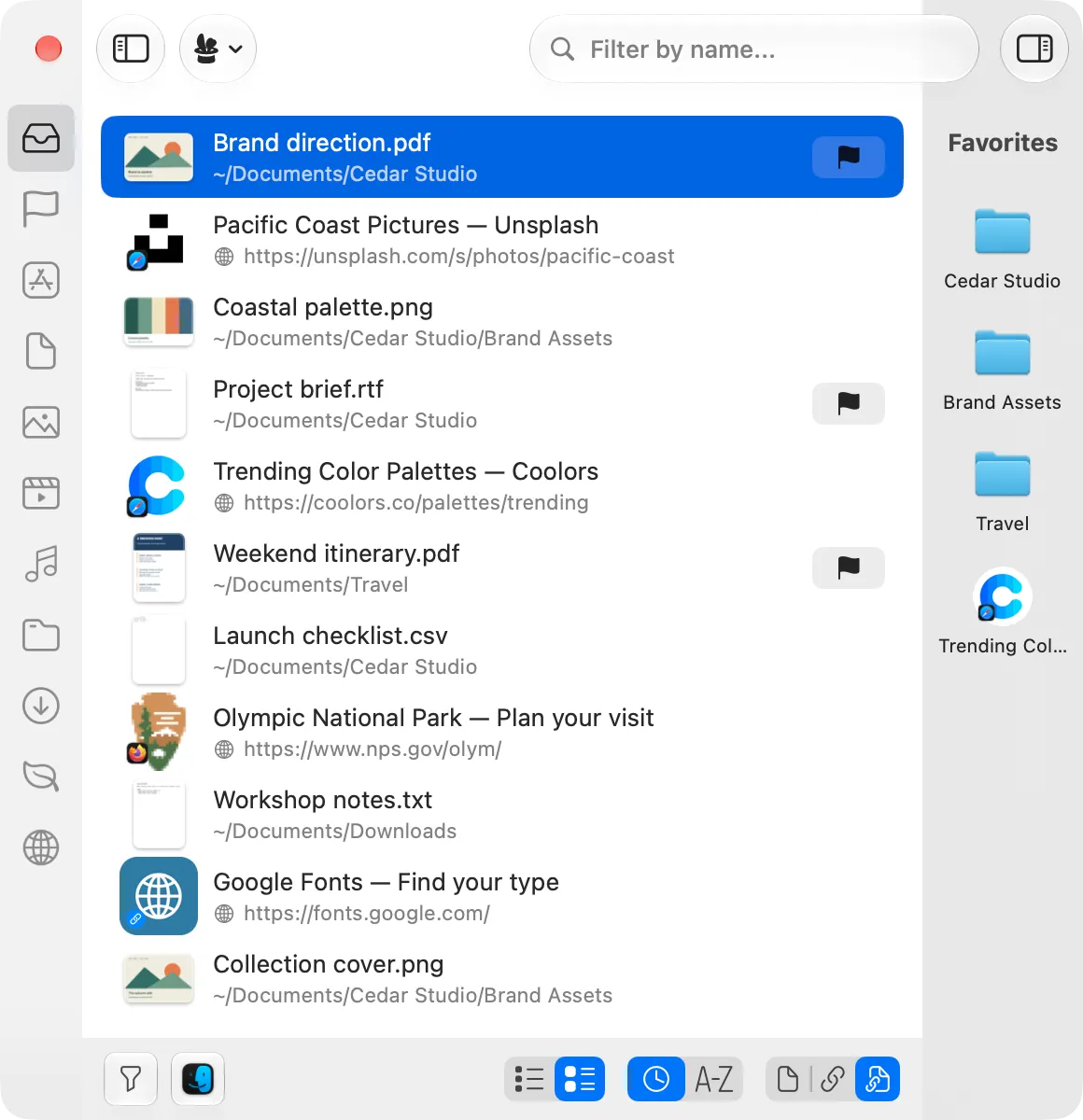
Narrow window
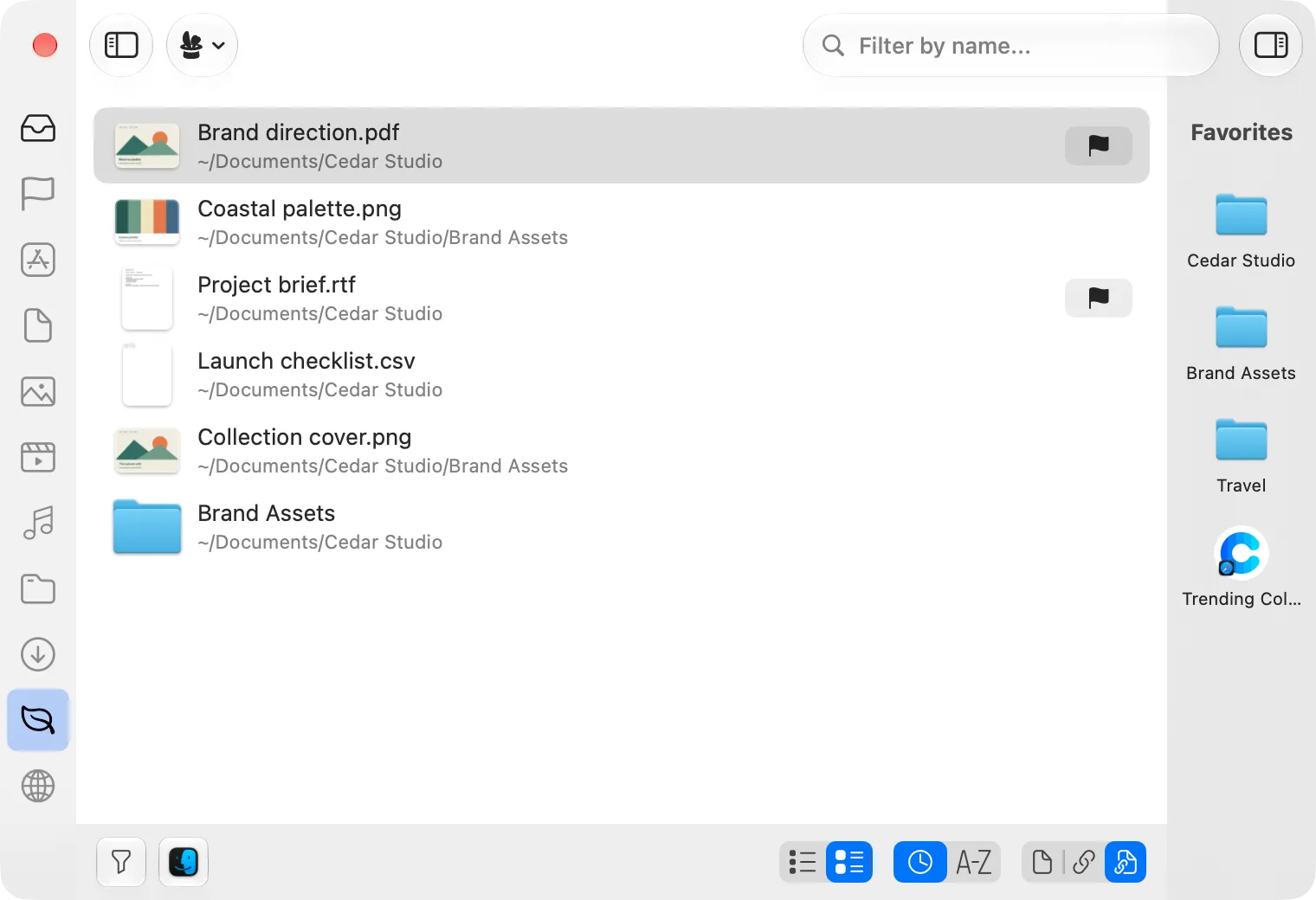
Project filter
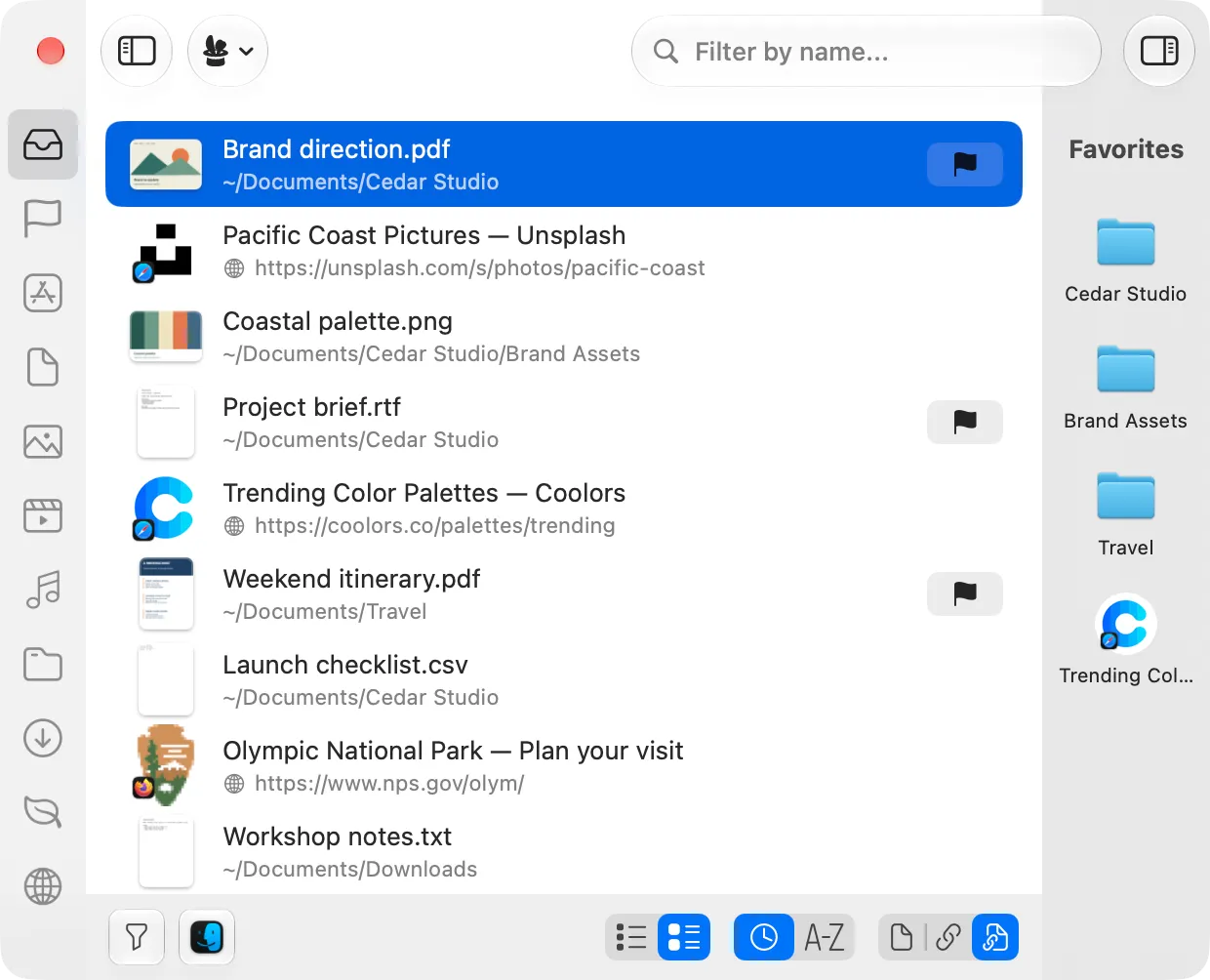
Compact window
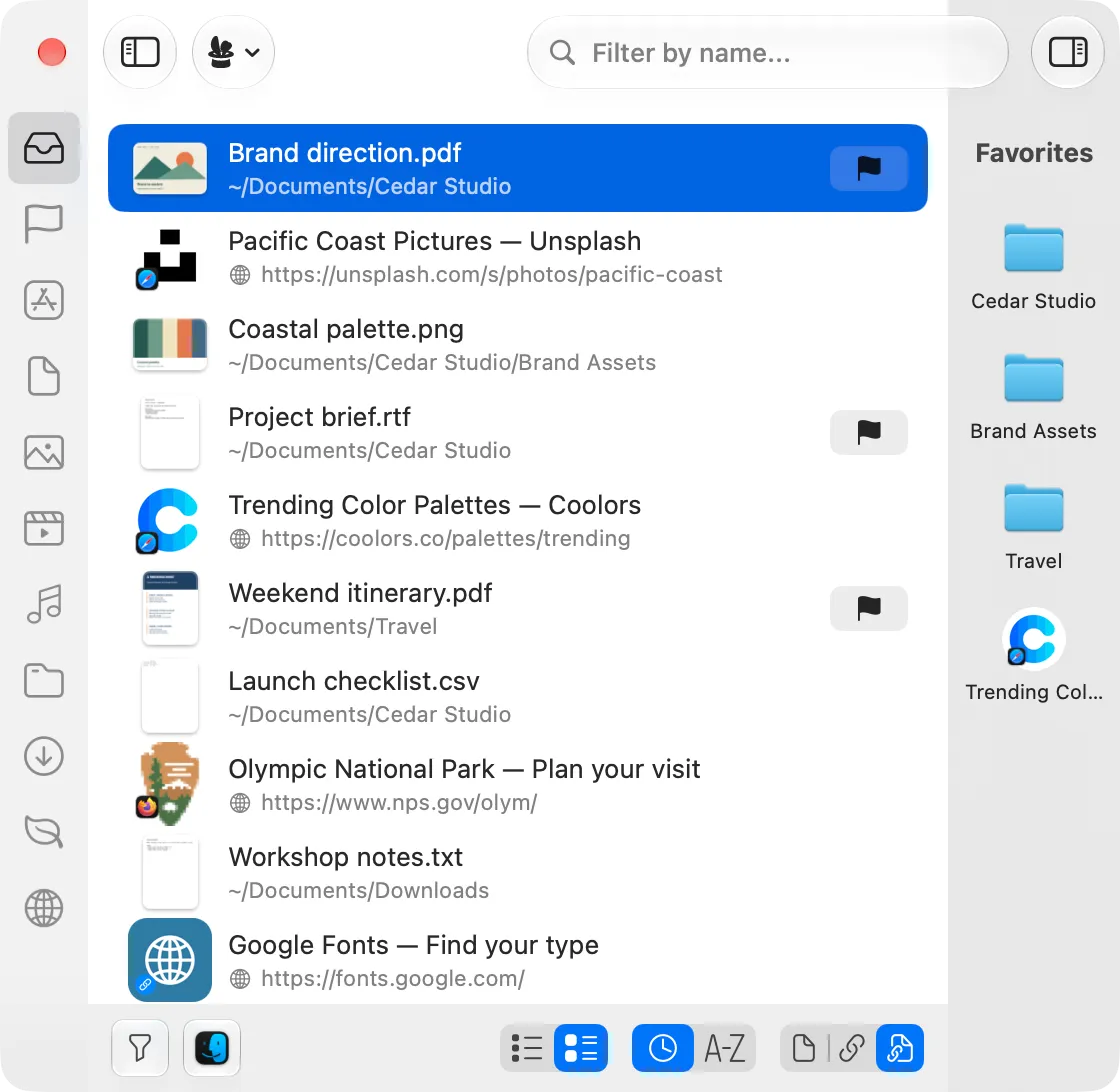
Light appearance
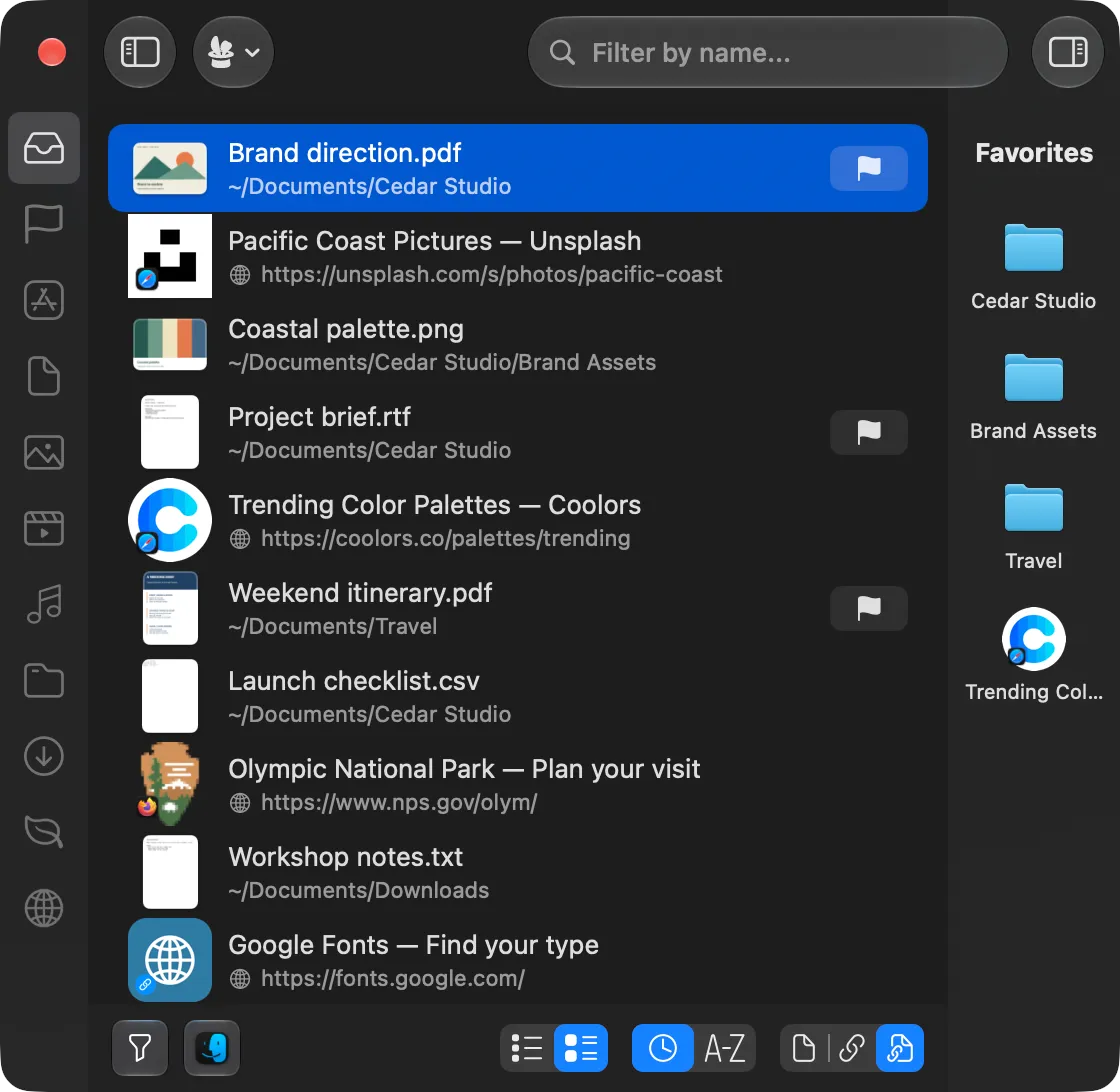
Dark appearance
Settings screenshots
Choosing which folders, files and links Trickster tracks. Retina resolution, dark appearance.
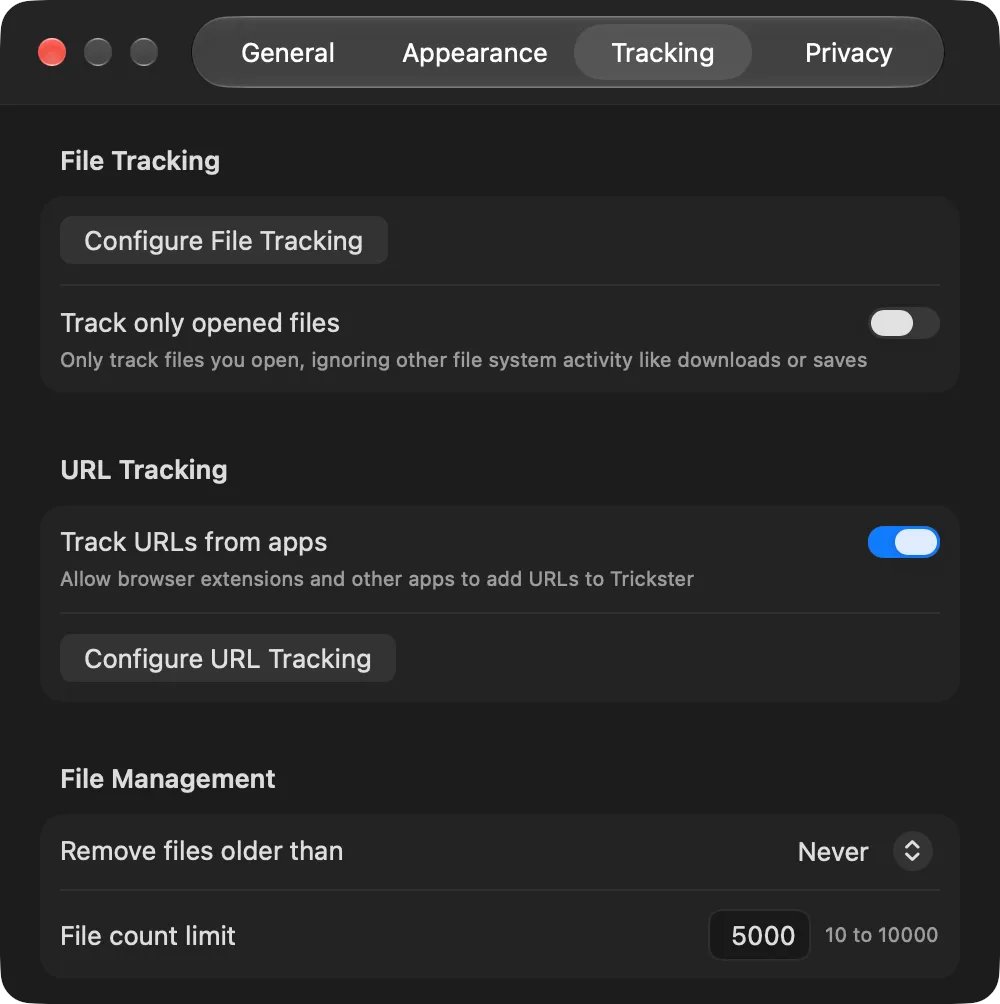
Tracking settings
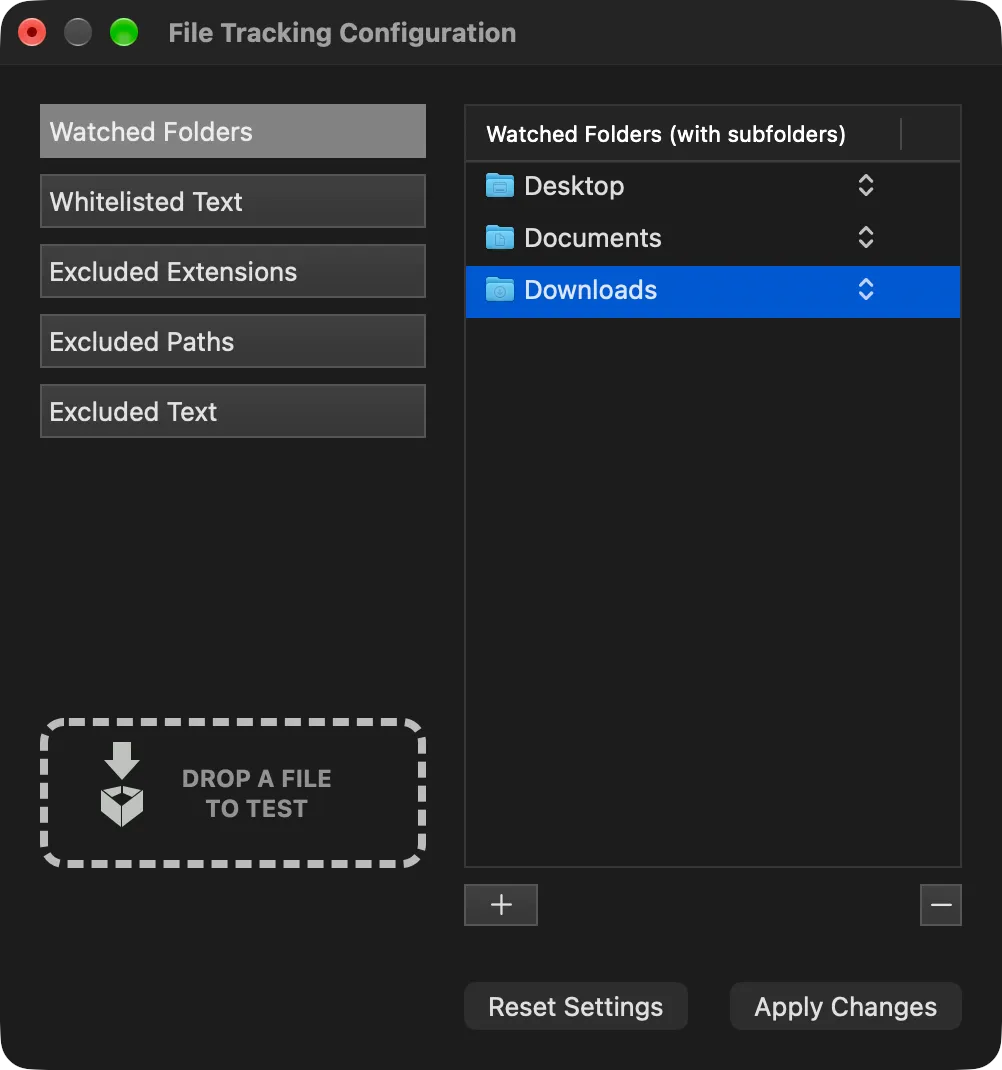
File Tracking Configuration
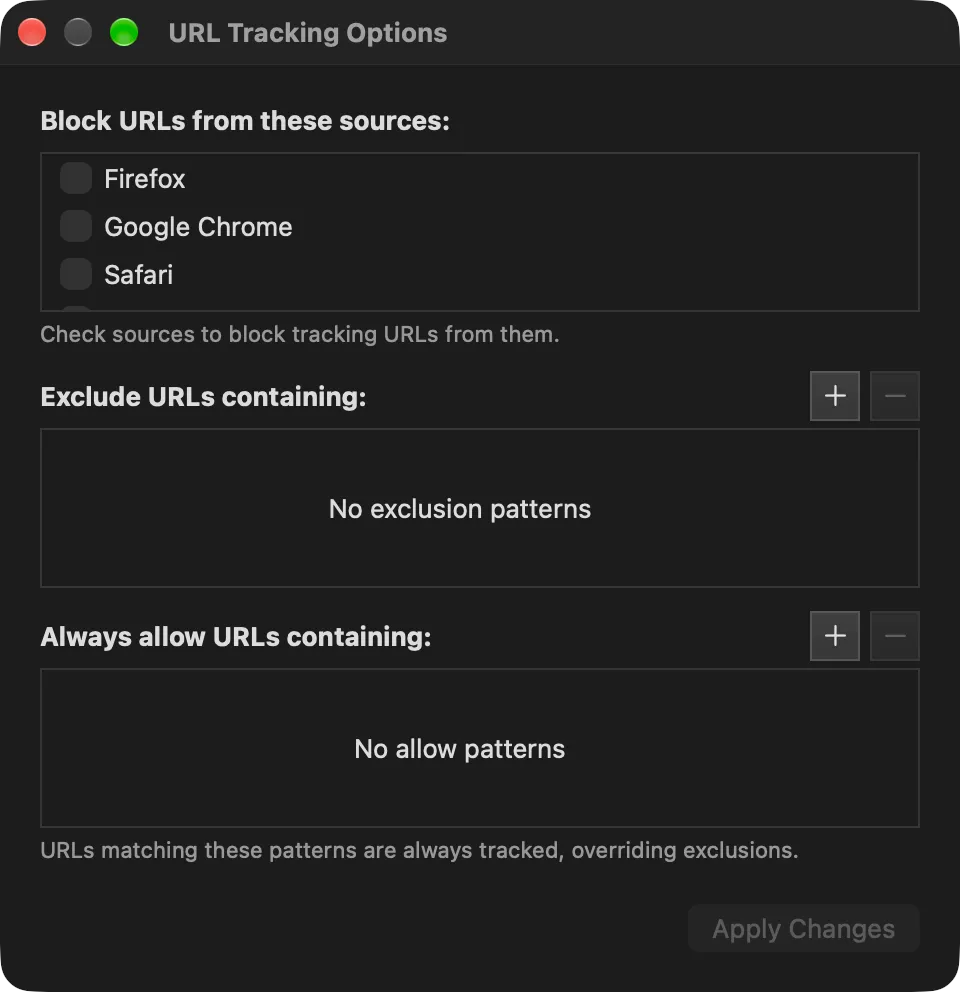
URL Tracking Options
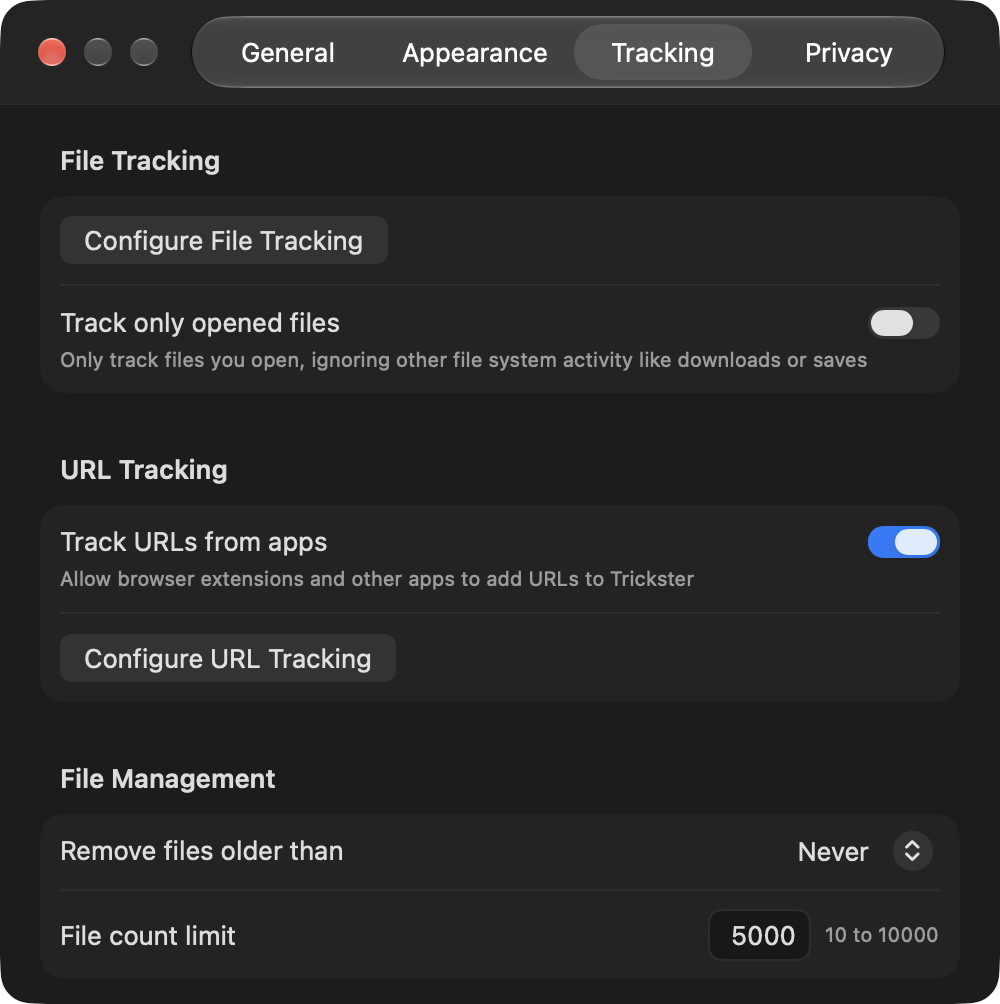
Icon and mascot
Please use the icon as it is, without changing its colors or proportions.

App icon
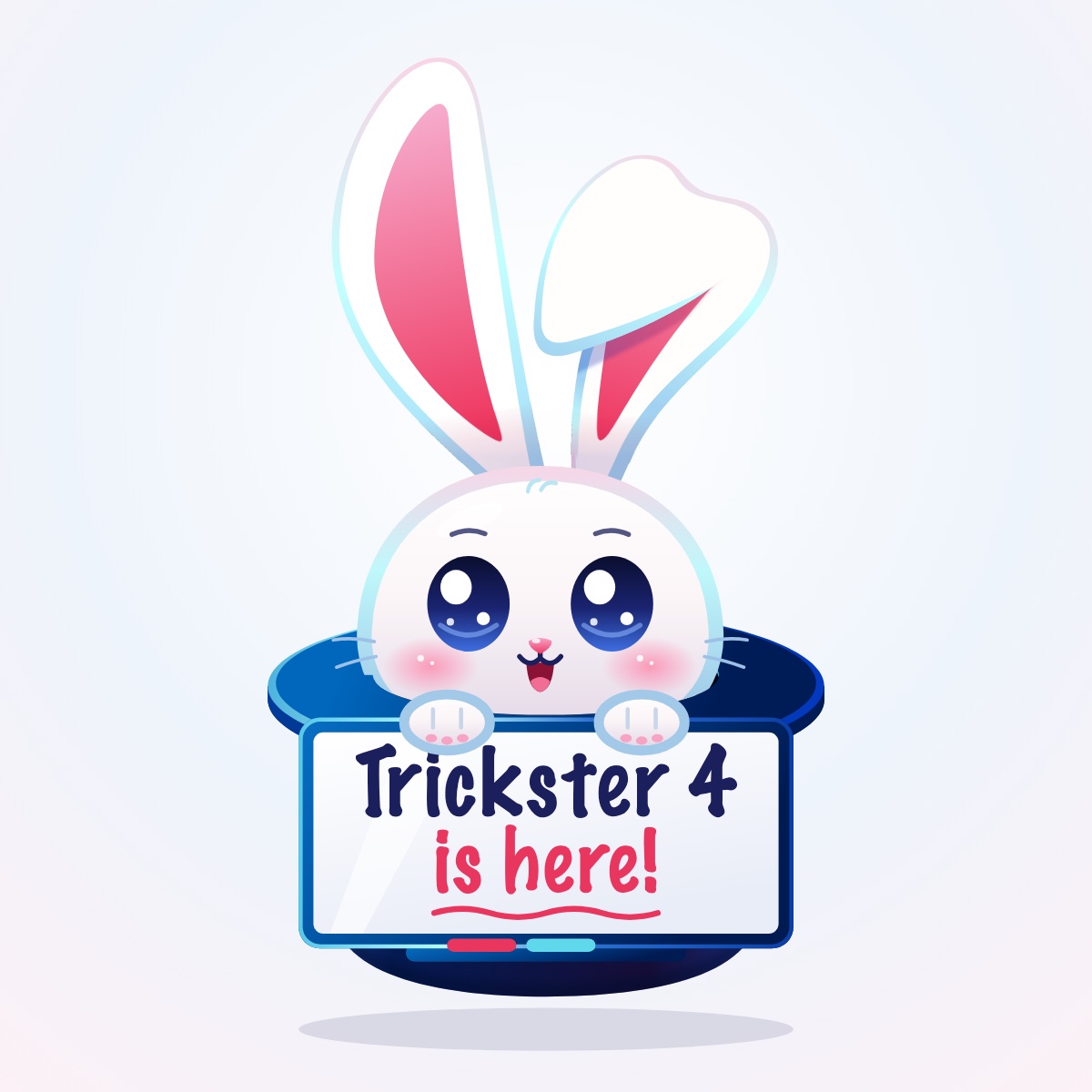
Mascot

What people say
“Where Trickster does the trick for me is with its keyboard navigation.”
“Trickster smooths out the process and fills in the missing features. I’m using it every day now.”
“Can’t work without this app. Trickster has become my most used and favorite app!”
About Apparent Software
Apparent Software makes friendly, useful apps for Mac and other Apple devices, including Trickster, the Eter internet radio app, Cashculator and ImageFramer. The company was founded in 2006 by Jacob Gorban and is based in Winnipeg, Canada. Personal support is part of every product: most support emails get an answer within hours.
Press contact
Writing about Trickster? We’re happy to send a review license, set up an interview, answer questions or prepare other images.