
Manual
Favorites Sidebar
Keep frequently used files, folders, and applications within easy reach.
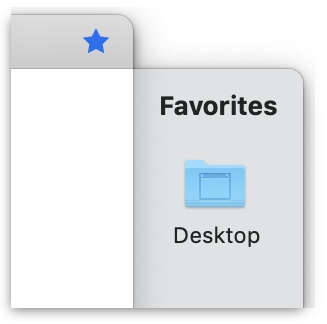
The bar on the right of the recent files list is the Favorites Sidebar. It lets you save your most frequently used files, locations and apps.
The Favorites sidebar can be opened or closed by clicking on the star-shaped icon on the top right of Trickster’s window.
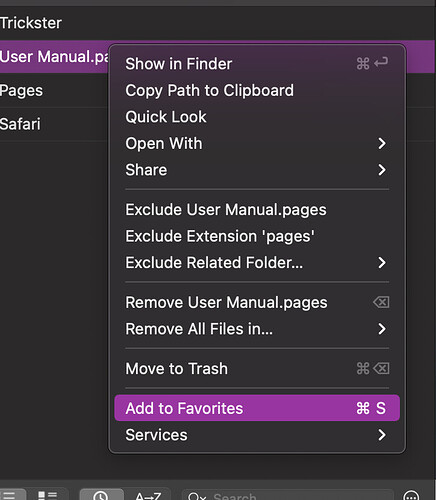
You can add any item to the sidebar by dragging it from Trickster’s recent files list or by selecting Add to Favorites from a file’s pop-up menu, accessible by right-clicking on the file.
You can rearrange items in the Favorites sidebar by dragging them to a new location in the list.
In Trickster’s Settings, you can choose to show either only the icon, the name or both (the default, like in the screenshot above).